







Writing a Project Proposal for a Client (That Wins)
Learn how to write a business project proposal that closes deals. Find out what to include in a client proposal, best format, and design best practices.
Set as Preferred Source
What does a project proposal look like?
Client project proposals are traditionally in PDF format. They tend to be dull and uninviting documents.
But in the past few years leading solution providers, agencies, and consultancies are moving away from static and boring PDFs and using interactive project proposals instead.
Interactive proposals stand out, effectively communicate value, increase client engagement, and help close more deals.
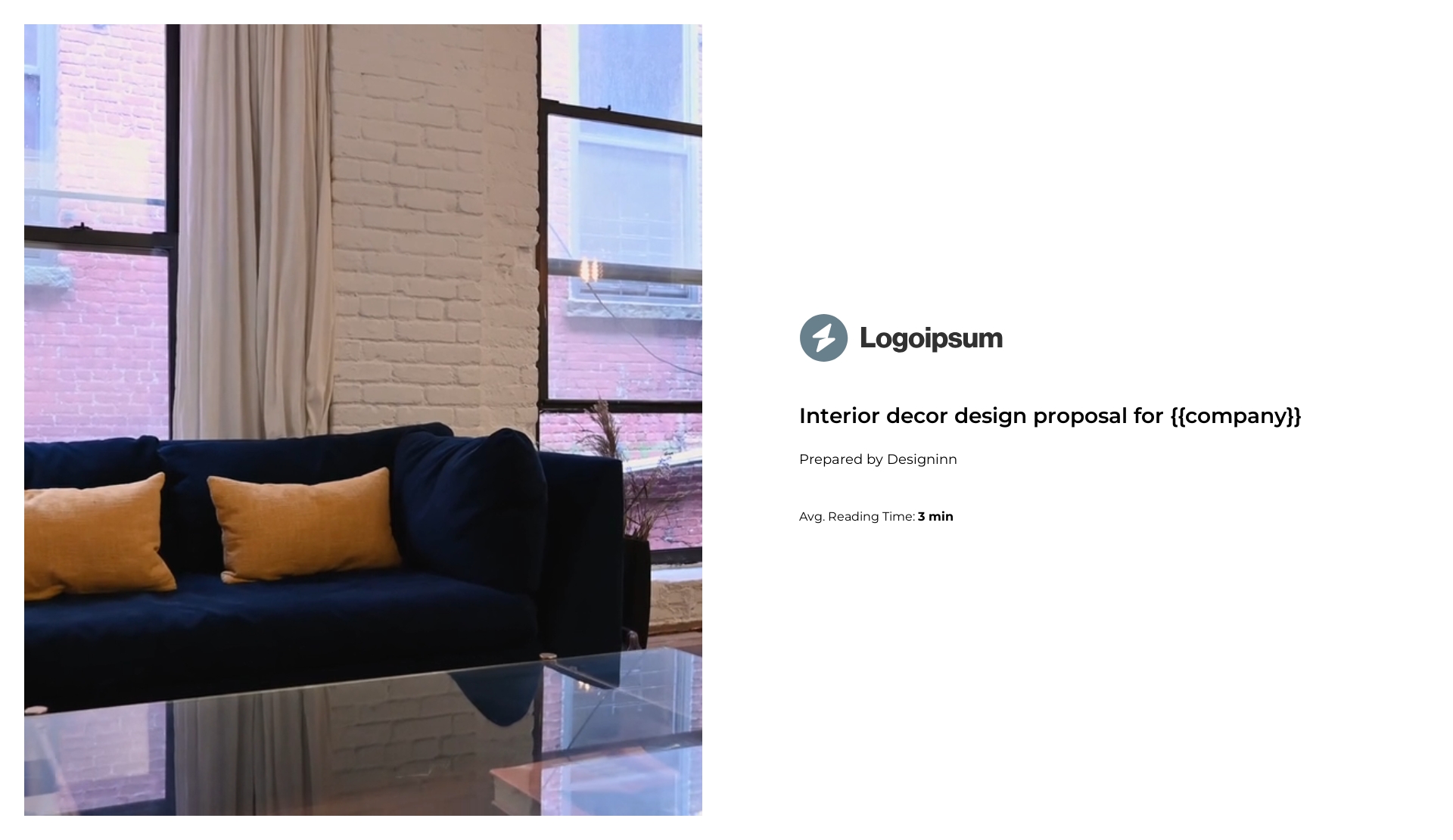
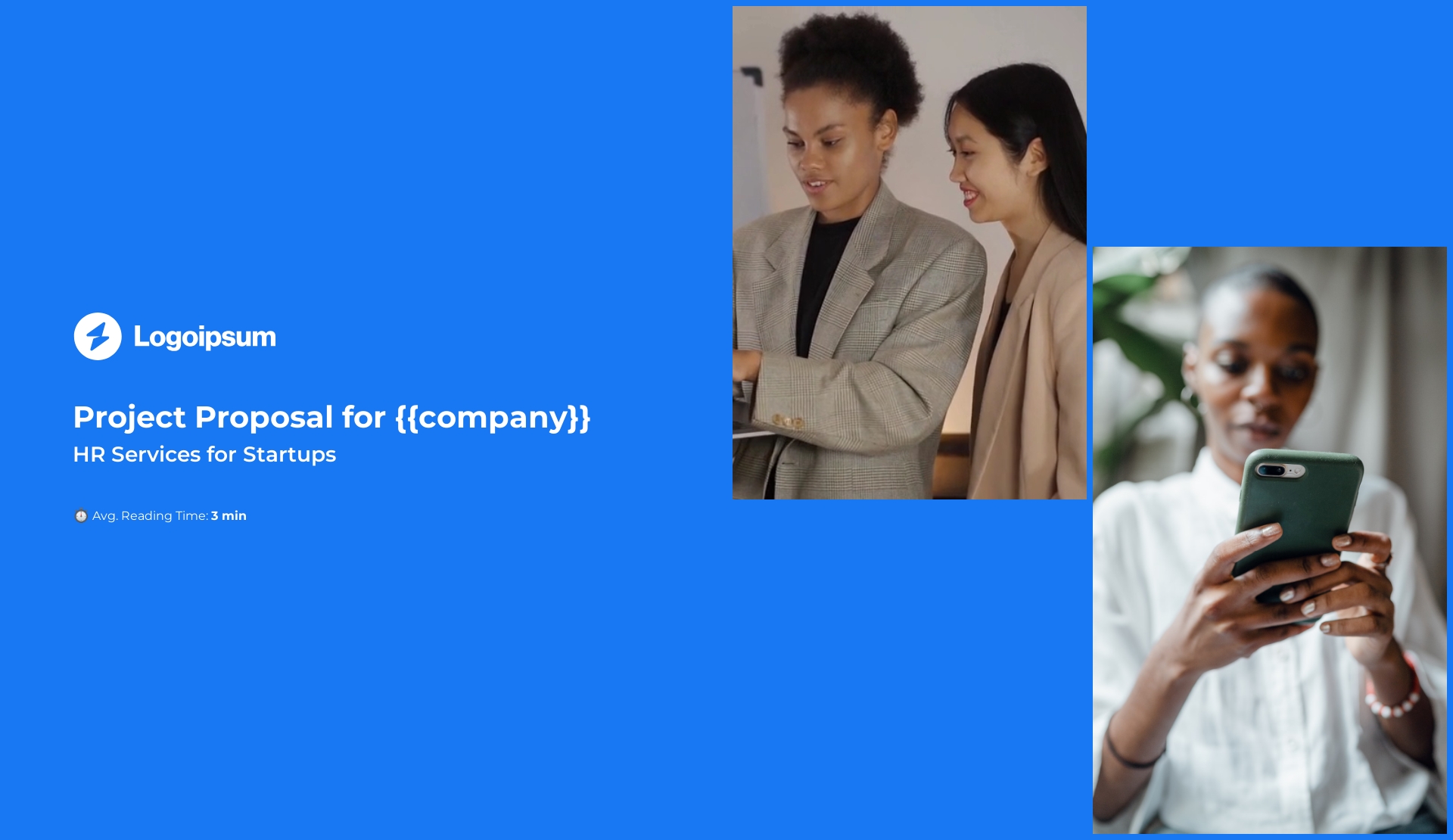
I’m sure you’re itching to see some project proposal examples, so here’s what an interactive project proposal looks like –

Scroll to preview
Prospecting project proposal
A prospecting project proposal is a presentation used in sales prospecting by agencies and other service providers to communicate their value offers to potential clients. It is commonly added as part of a cold outreach email with the purpose of securing a sales call.
Here’s an example prospecting project proposal.
Business project proposal
A business project proposal is a document that covers the essential details of a project provided as a service. It is used at the end of the sales process to finalize a deal between a provider undertaking a project and the client paying for it.
This guide will cover this type of proposal.
Internal project proposal
An internal project proposal is a document promoting a project inside an organization. Its purpose is to get backing for the project from a sponsor or stakeholder within the organization. It is used to show the project’s viability, impact, risks, and costs.
This blog post will NOT deal with this type of project proposal. To learn about this, read our post about how to write an internal project proposal.
Client project proposal
A client business proposal covers the services, deliverables, and impact supplied by a provider to a client within a project scope, namely within a set period and budget constraints.
Solicited project proposal
A solicited project proposal refers to a proposal sent in response to a Request for Proposal (RFP). Solicited proposals often have very specific requirements and a strict application format. RFP responses often compete on price rather than unique value.
Unsolicited project proposal
An unsolicited project proposal is sent to potential clients as part of a sales effort to persuade them to procure a solution. This type of project proposal is also called a prospecting proposal, prospecting deck, or sales pitch deck.
How to write a project proposal slide by slide
Your proposal is never the only offer on the table. So knowing how to write a project proposal that stands out and communicates higher value than the competition is what separates winners from losers.
There’s an art and a science to writing a project proposal. The art is hard to teach, but you can learn the science.
Let me show you step by step how to make highly effective project proposals so you can beat your competition, engage your prospects, and win more business.
That said, there is no “best” way to write a project proposal. That depends on the project. And so you can find below the links to our writing guides for specific project types.
Specific project proposal writing guides:
What to include in a project proposal
- Title
- Cover letter
- Table of contents
- Executive summary
- The problem
- Objectives
- Project overview (the solution)
- Project impact (success criteria)
- Deliverables
- Timeline and deadlines
- Project management team
- Investment and Budget
- Social proof
- Terms and conditions
- Project approval
- Project onboarding
- Contact
- Appendix
1) Title
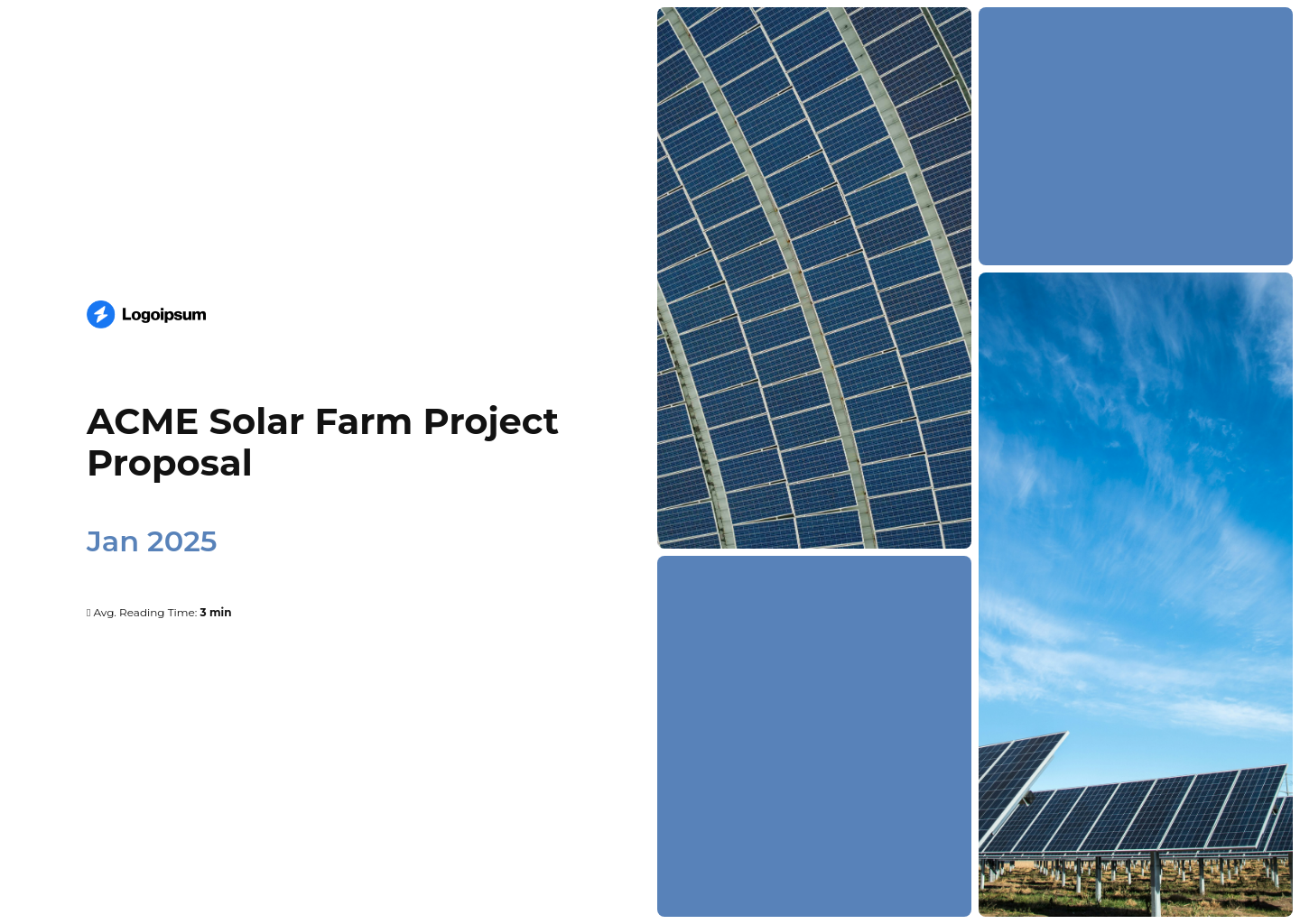
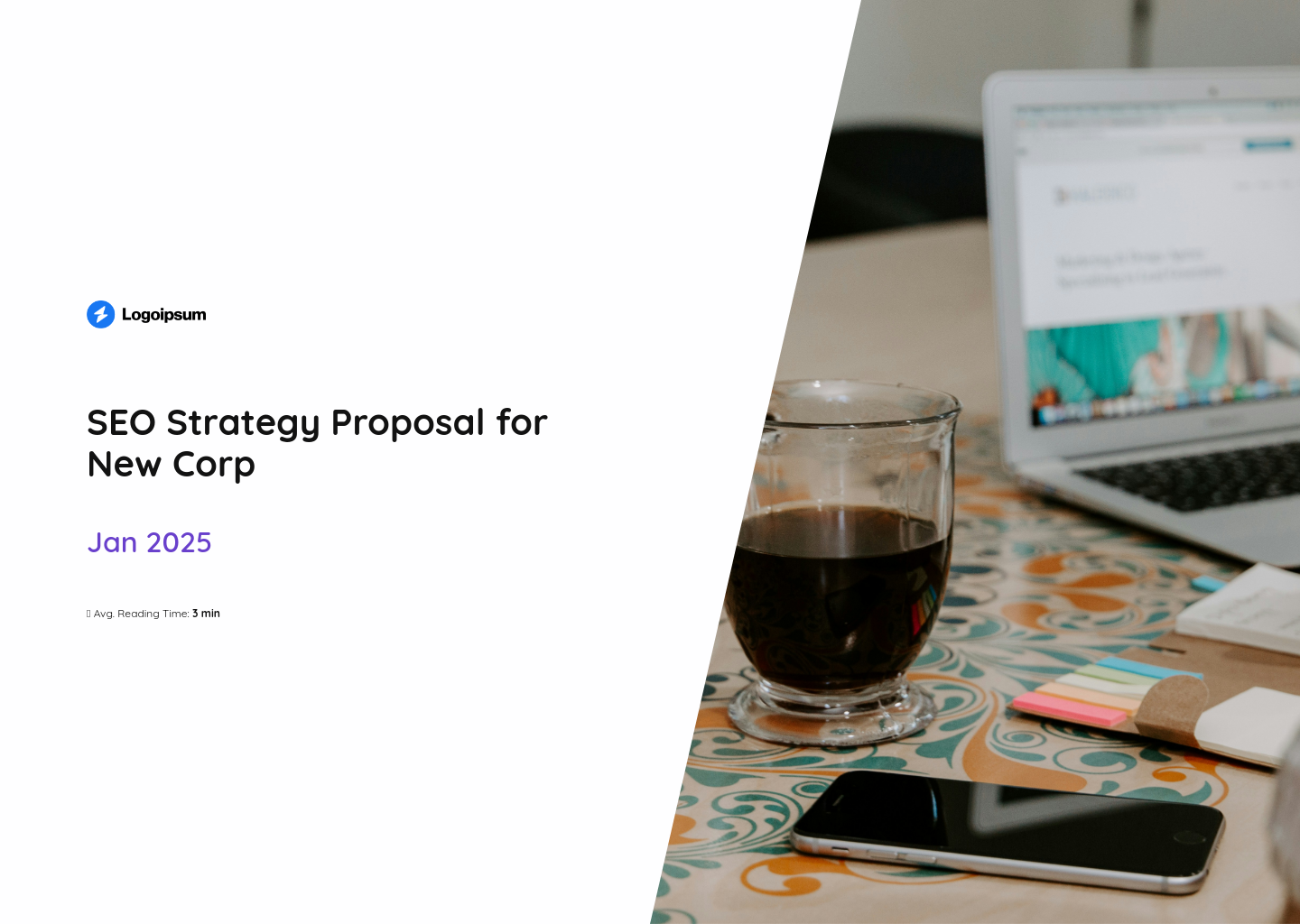
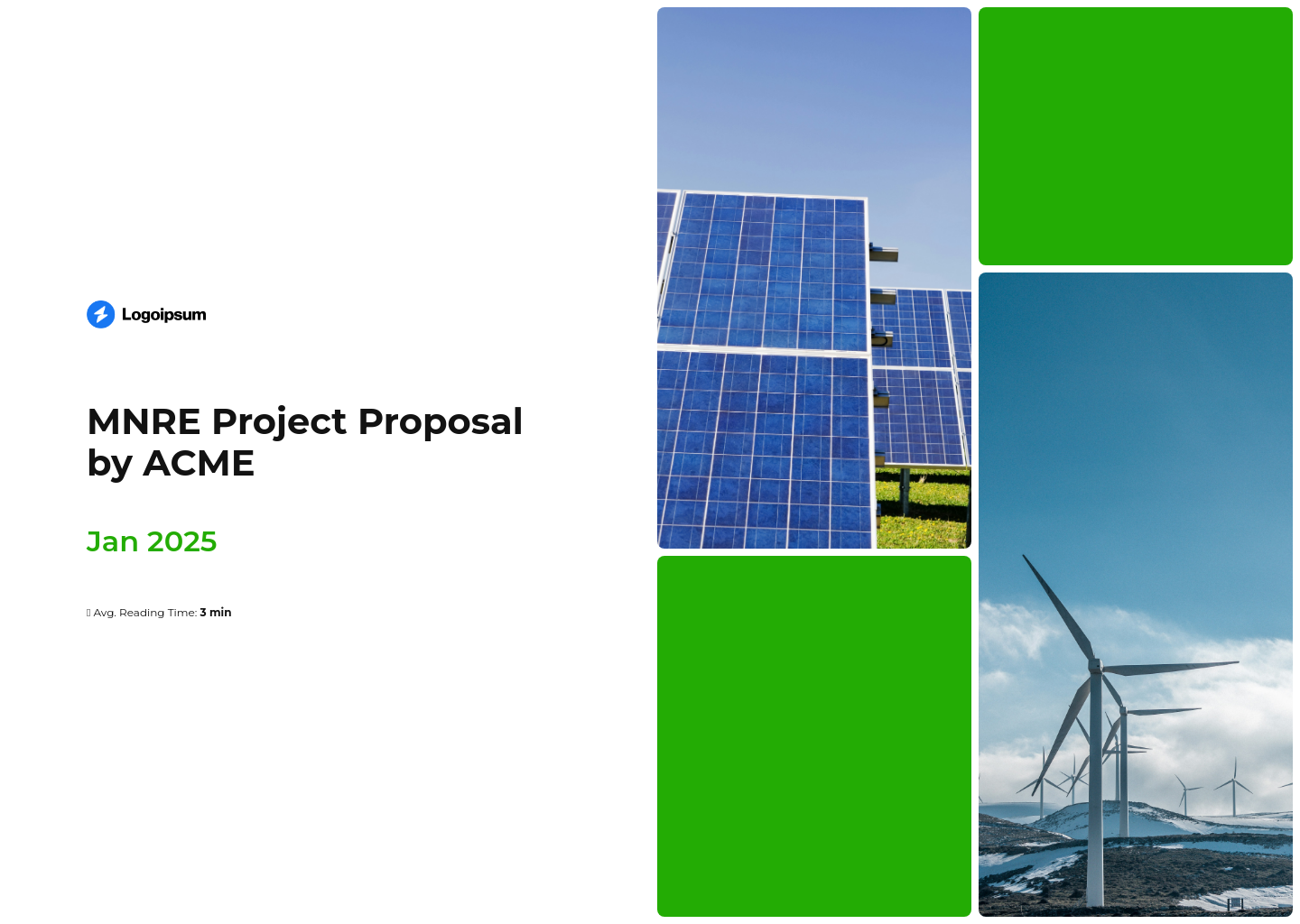
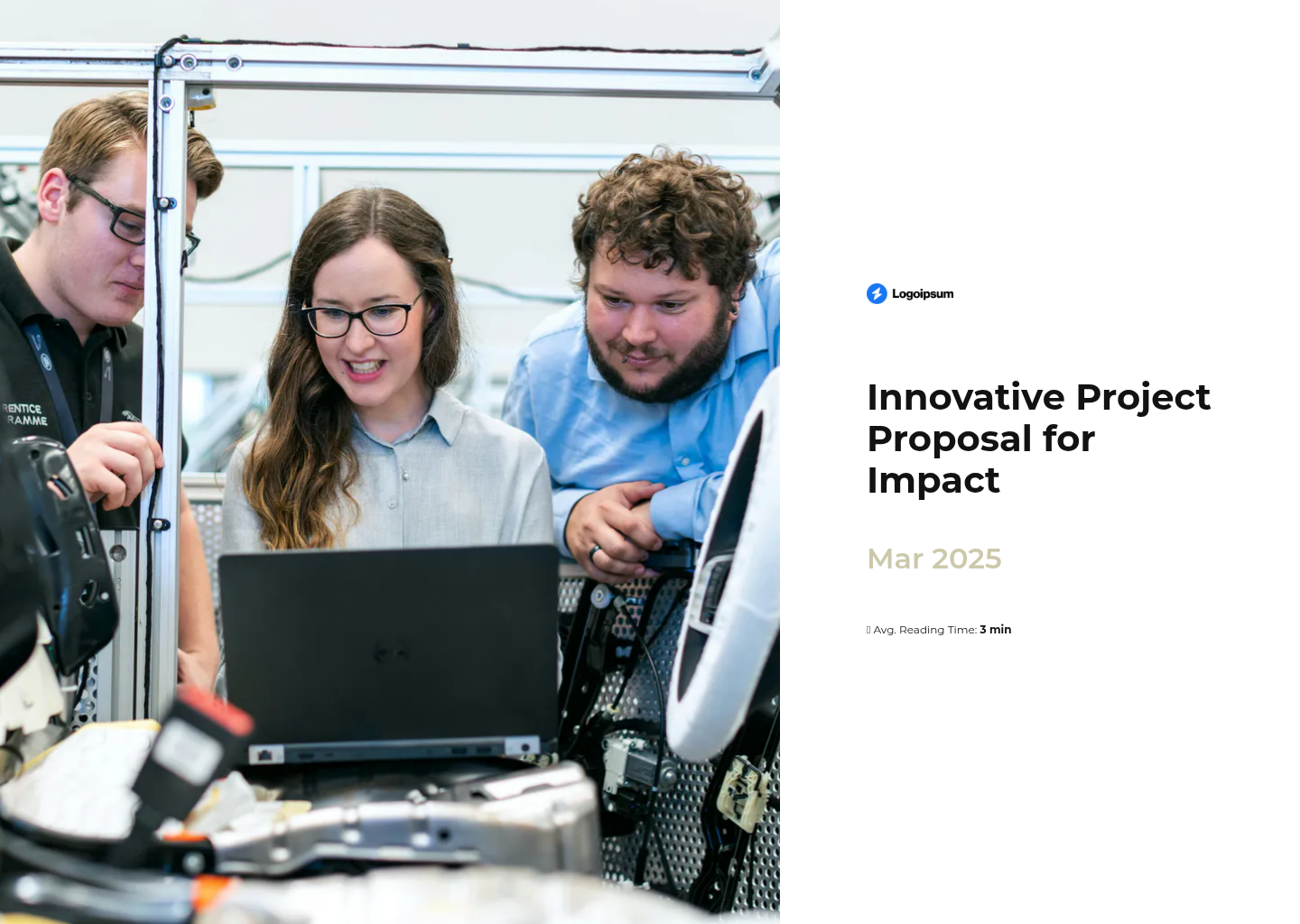
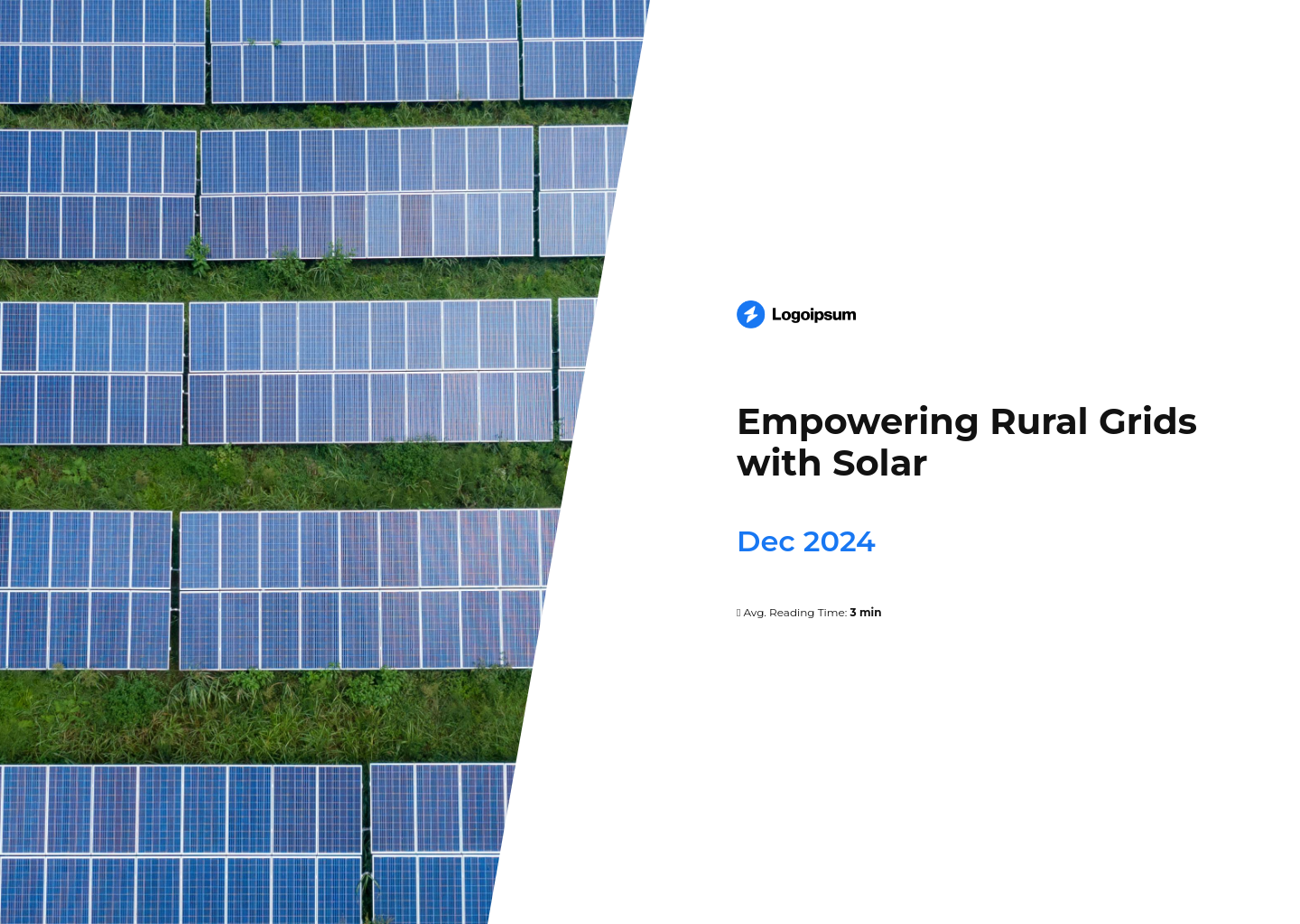
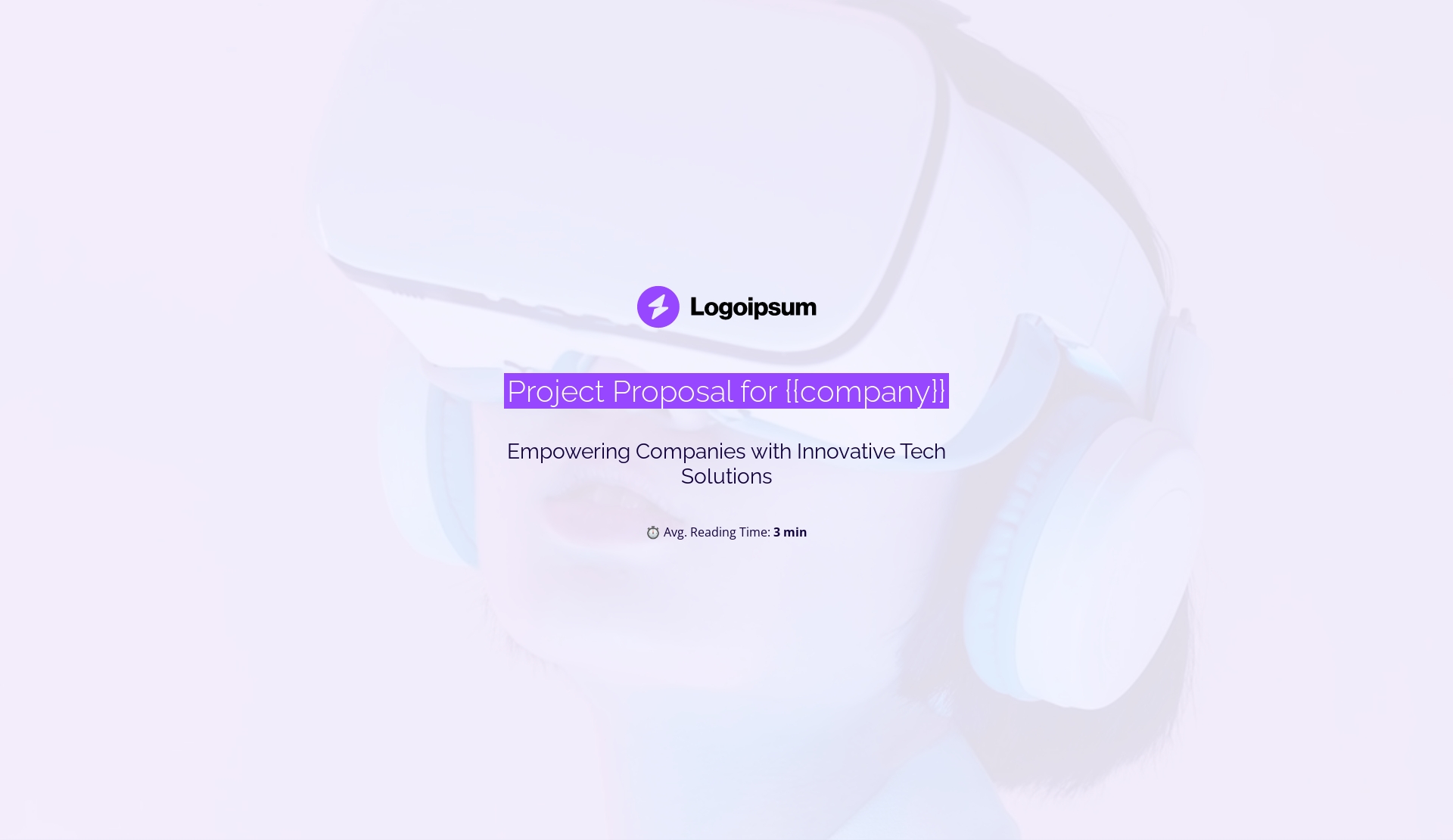
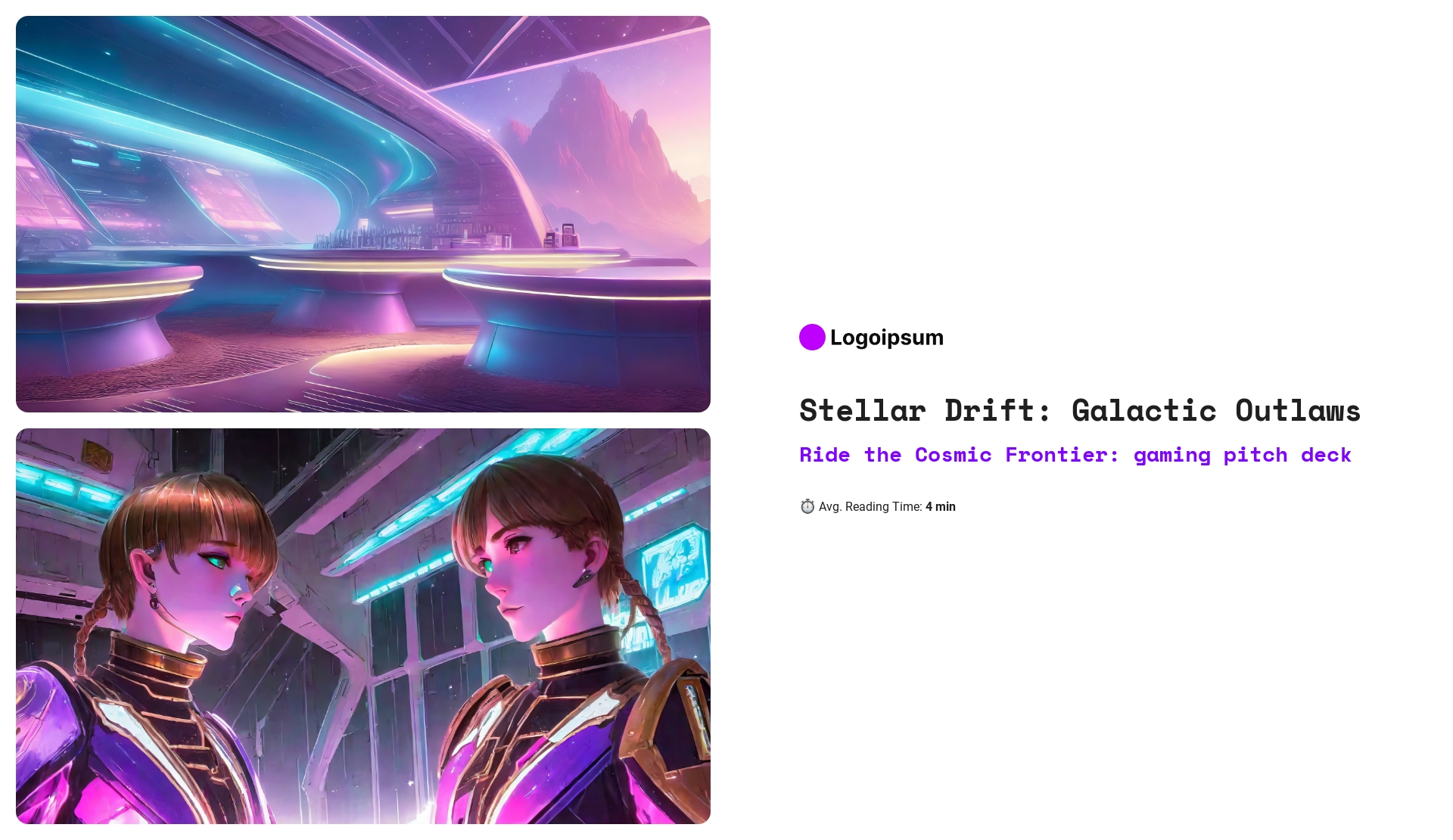
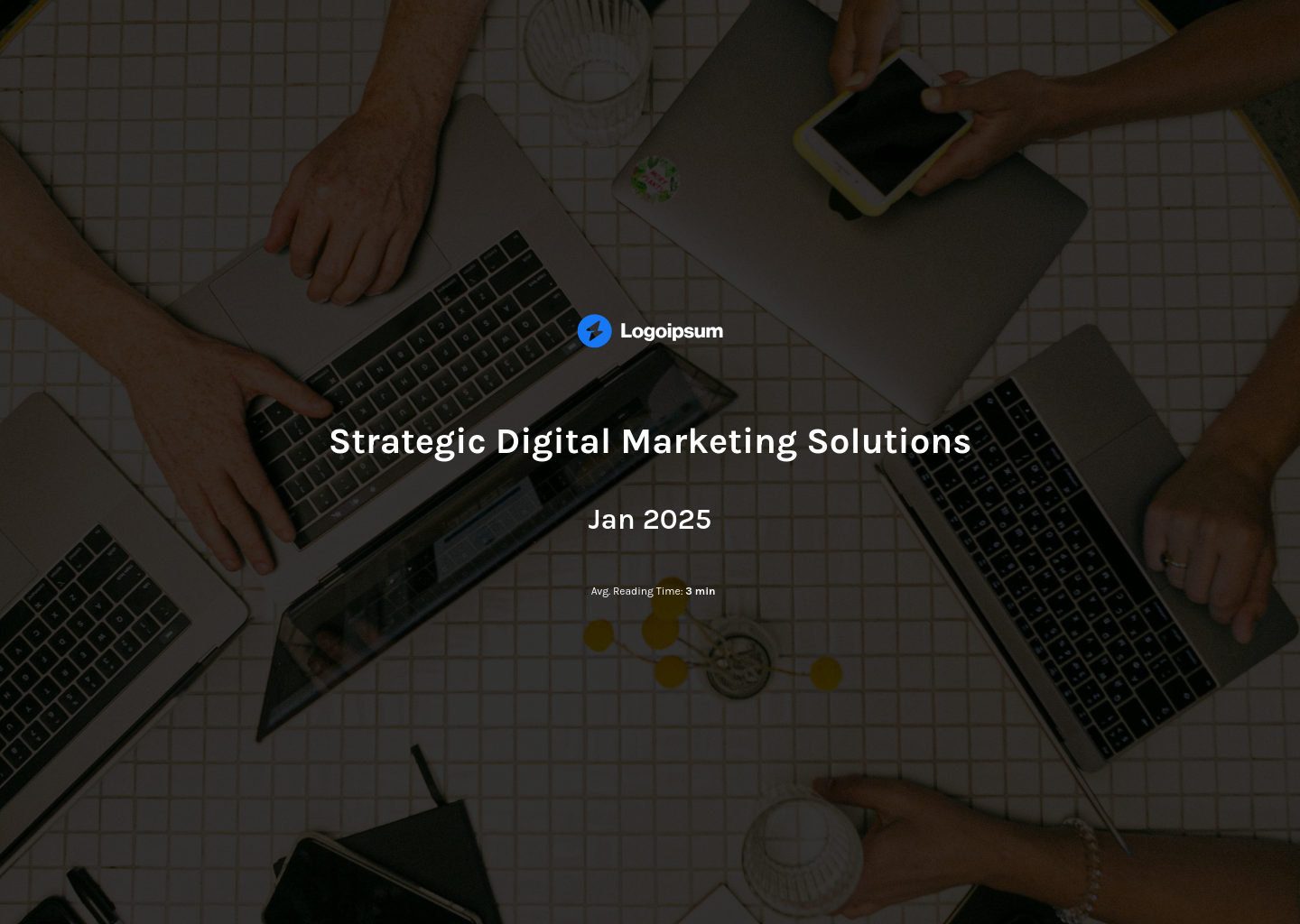
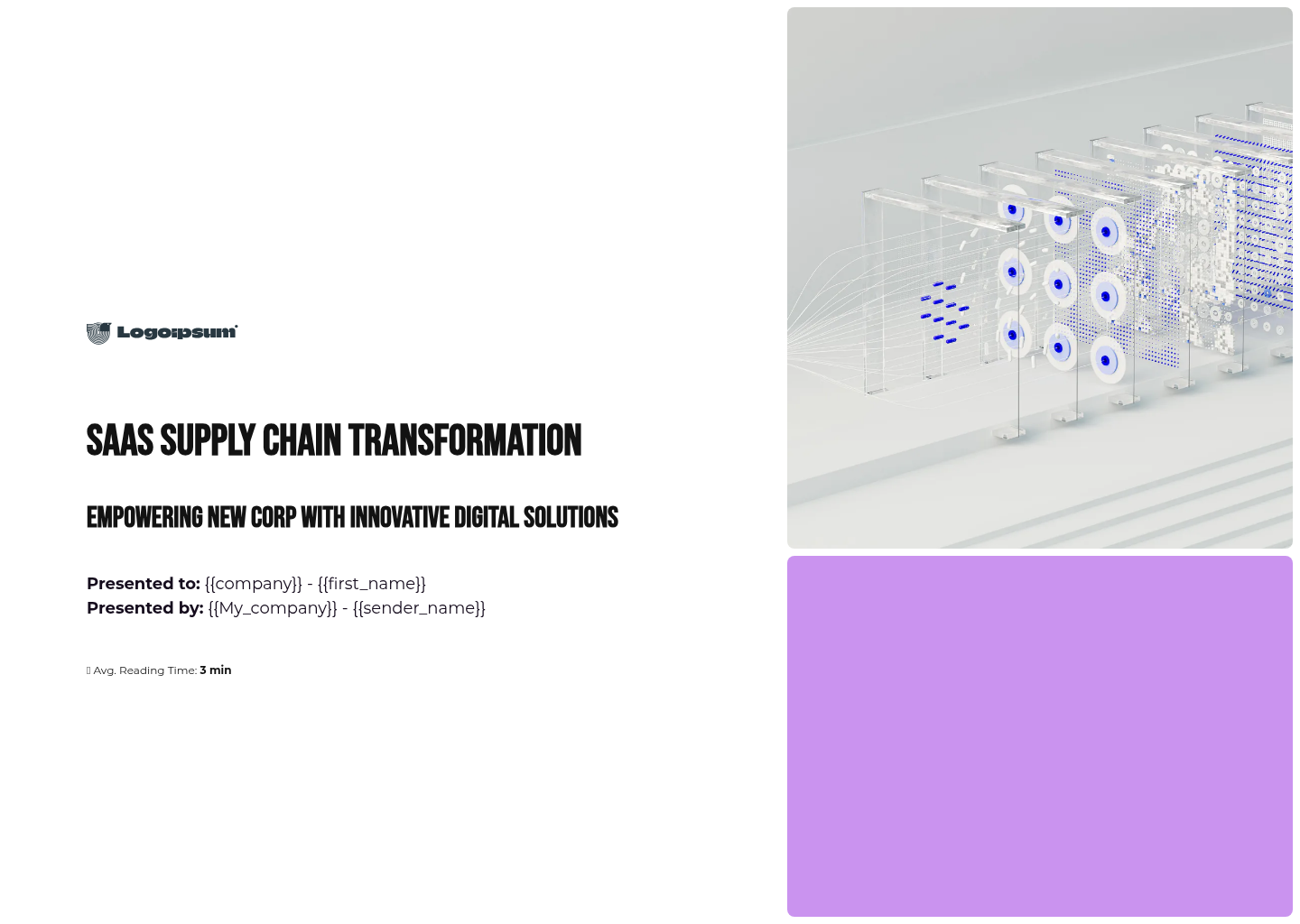
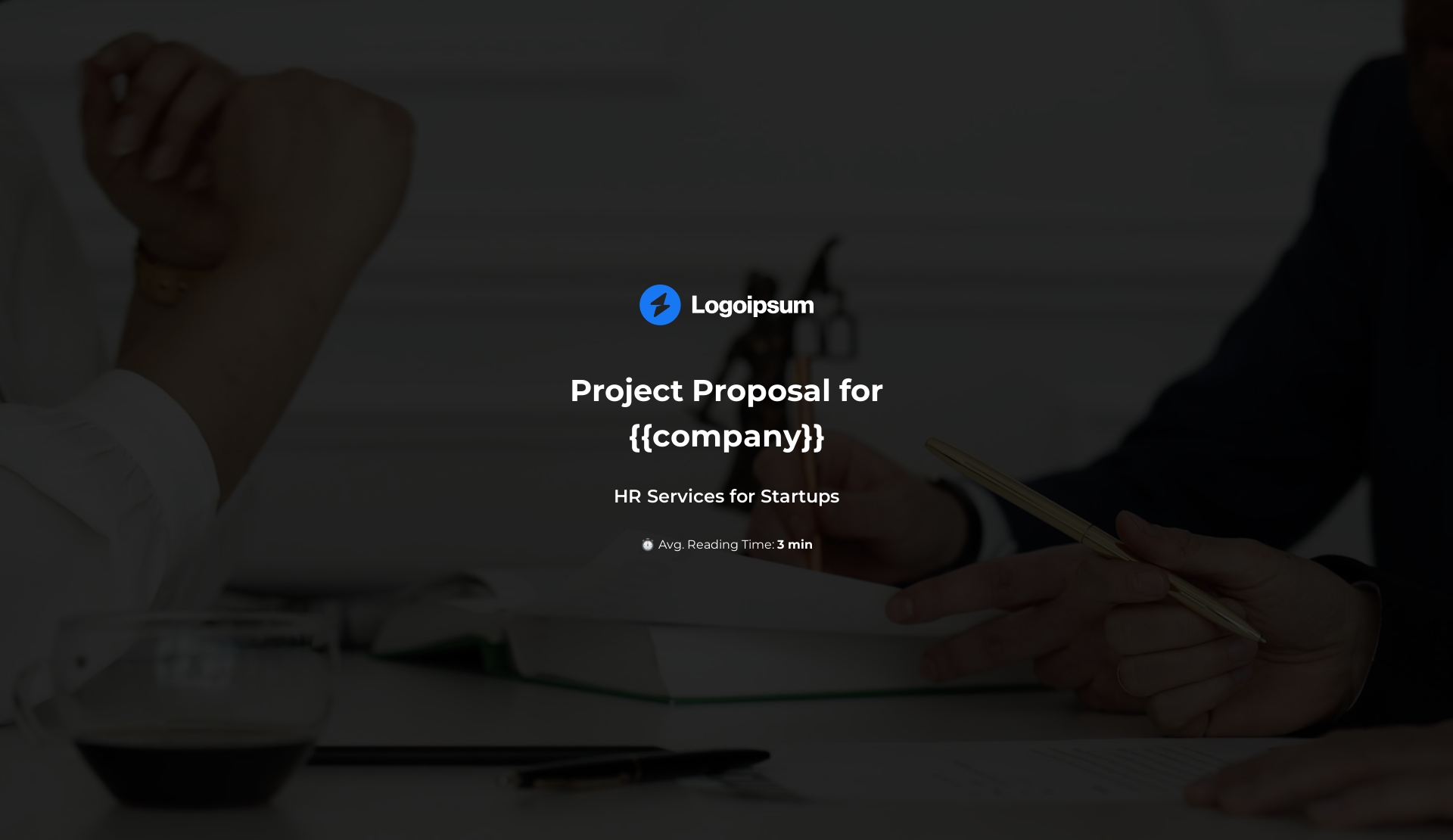
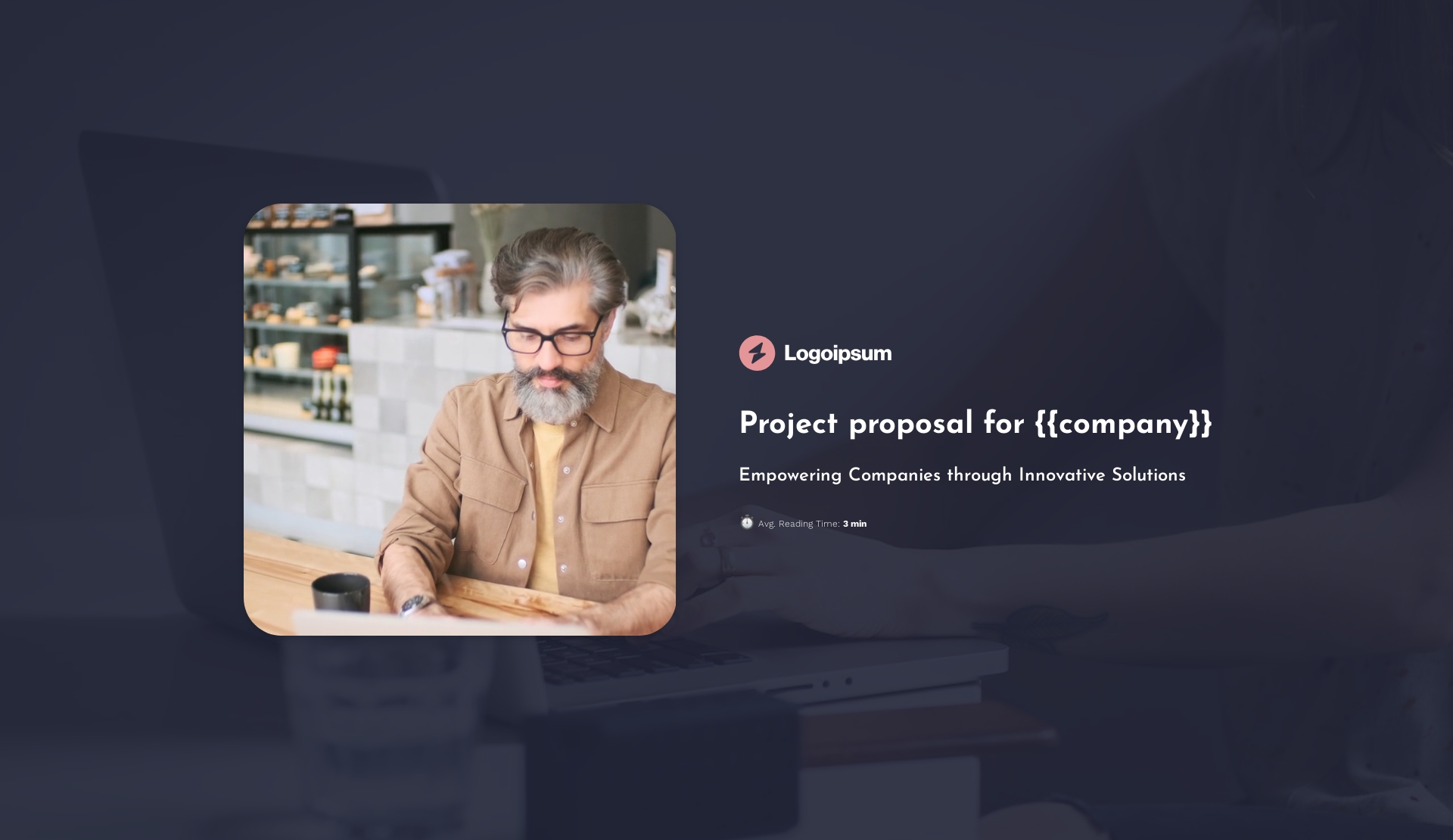
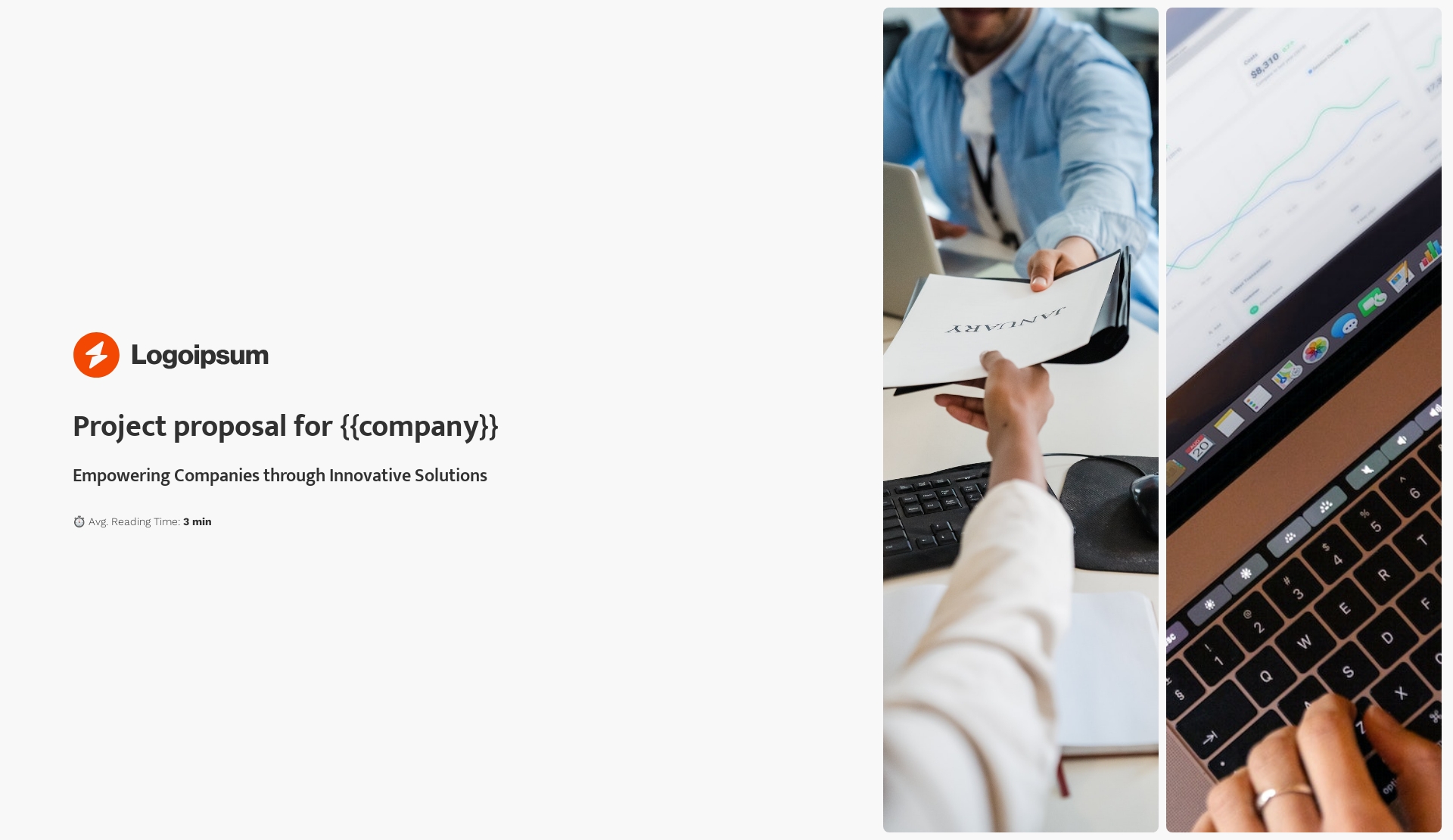
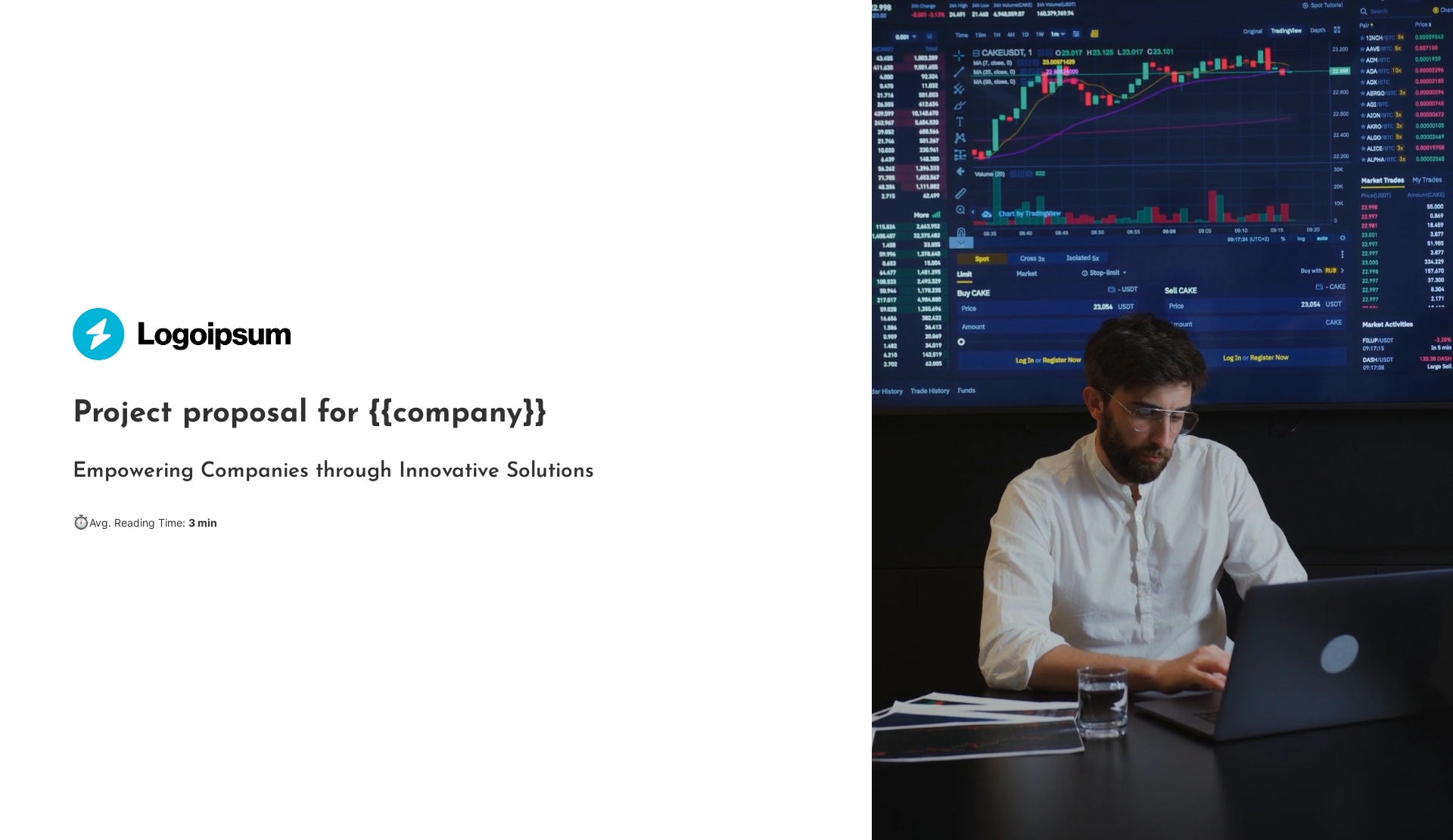
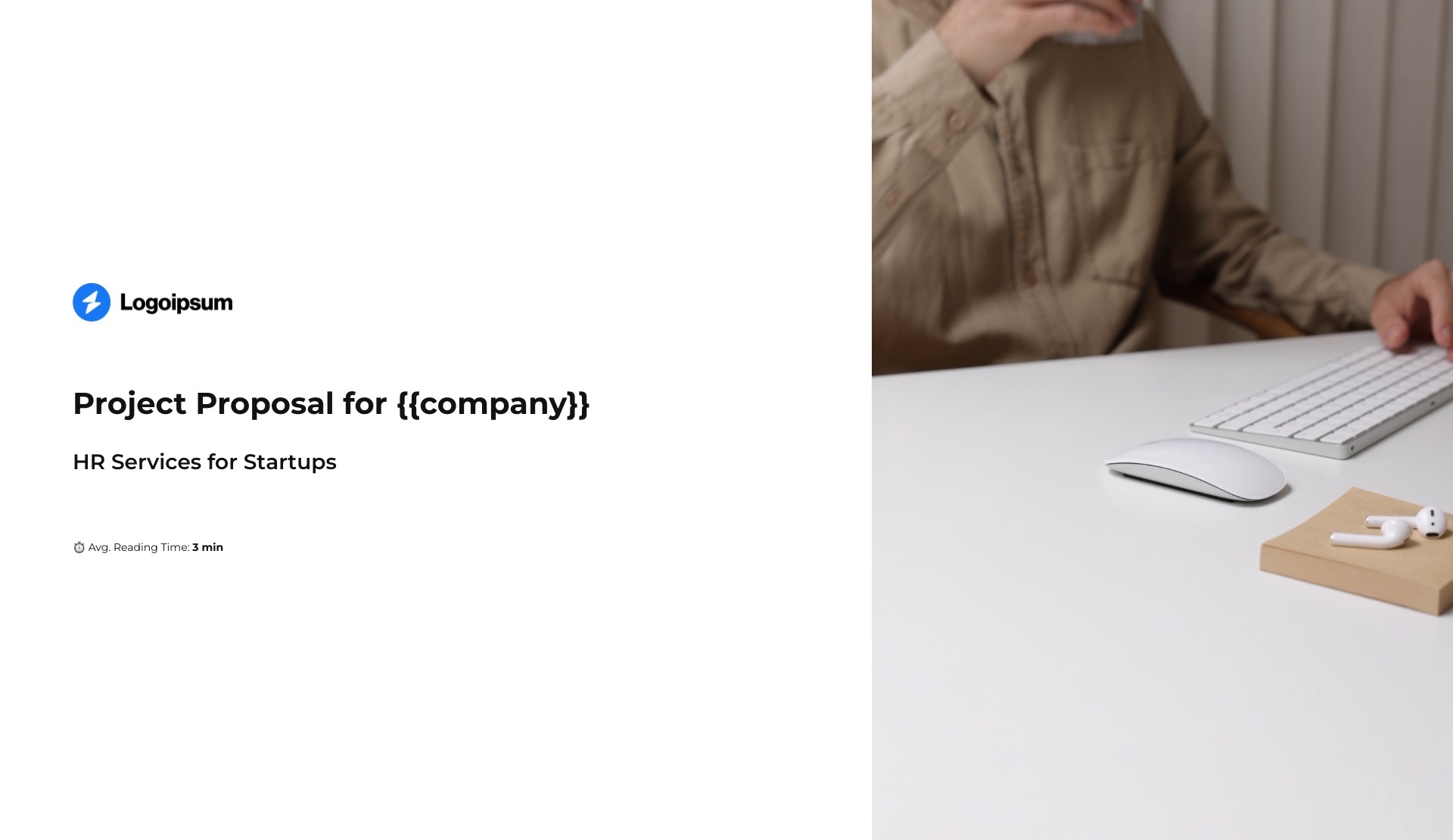
The title slide is like a movie trailer, it has 2 jobs: (1) Stand out, and (2) communicate the value inside.
Your reader should be intrigued by your cover slide, but also have a very clear idea of what your proposal is about and why they should care.
Your proposal is never the only one on the table, and your title slide is your biggest opportunity to show you’re different.
- Make your cover visually stand out with a video or animation.
- Use a short version of your unique value proposition as your title and tagline.
- Tell the reader the expected reading time to manage their expectations of effort (effort and time are their real currency)
- Personalize by adding the client’s logo where they can see it.
- Personalize by weaving the client company name in your title text or tagline (this can be done automatically with Storydoc with dynamic variables that pull the client’s information from your CRM.
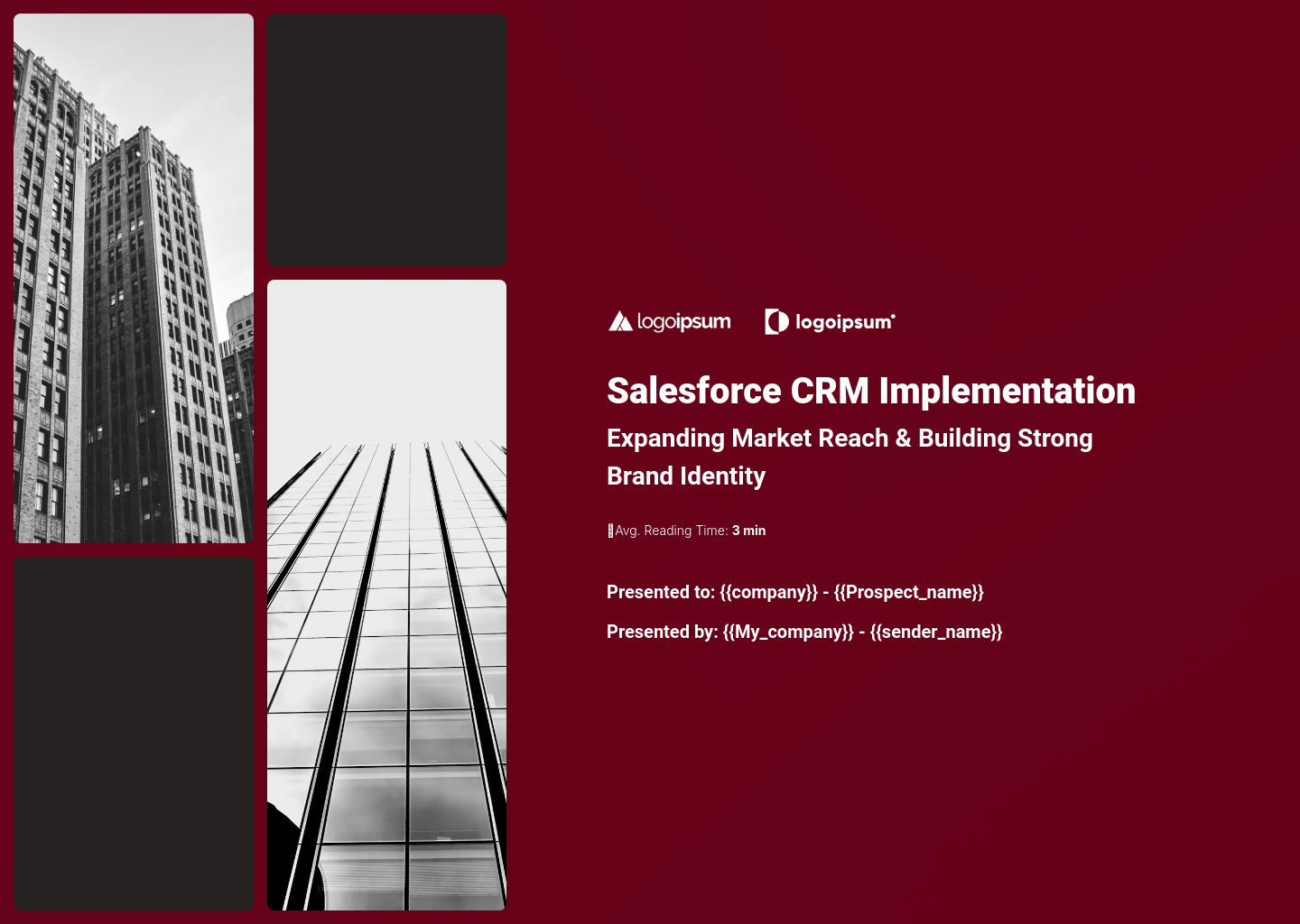
- Make it clear who the proposal is for and who created it by adding:
- “Presented for: {Project champion/sponsor name, client company name}”
- “Presented by: {Creator name, creator company name}”
2) Cover letter
Your cover letter should be a short personal note that connects the proposal to previous conversations, meetings, and issues brought up by the client.
Don’t make it too formal. The point is to provide the context for the proposition and establish a human connection.
Top your cover letter with an inviting high-quality headshot of you, and sign off with your name and job title.

3) Table of contents
This slide is meant to help your reader get a quick overview of what’s inside the document.
It lets them gauge the effort involved in reading it, tells them if everything they need to know is inside, and helps them go directly to the sections they care about.

4) Executive summary
The project executive summary serves as the project proposal introduction. It tells your readers the project’s reason for being, why it’s important, what it promises to deliver, and how it is planned to undertake it.
Don’t assume that your readers will know these things. Some decision-makers will only review your offering at this stage. Ensure they understand how the investment in the project will benefit them and the business.
The example project proposal introduction below addresses the Who, What, Why, and How of your proposal. It clears the basic questions out of the way and entices further reading.
- About us – a short description of your company and what makes you the best for the job. It’s best to use both video and text. A video will help you reduce text and make your message easier to understand by showing rather than telling.
- Opportunity – Explain the opportunity presented by the project. Tie your project to the company’s long-term strategy and goals.
- Project goals – List the concrete objectives the project aims to achieve. Use short bullet points with simple yet precise wording.
- Strategic approach – Summarizing the core aspects of your solution that make it better than the rest.
5) The problem
The problem slide clearly defines the need for which the project is required to begin with. To justify investing in the project the problem has to represent a major and imminent risk.
- Refine a compelling problem statement that clearly shows the issues your project will solve.
- Highlight specific missed opportunities or incurred costs that will be avoided once your project is in place.
- This slide can be presented as multiple problems that the project will address. Each with its own problem statement.

6) Objectives
The project proposal objective slide ties your project to the client’s long-term goals. Make sure your goals either affect the client’s KPIs or support them in a meaningful way.
Phrase your objectives as succinctly and clearly as possible. Make them specific but don’t commit to concrete numbers (that comes later).
To simplify and keep your slide visually attractive, give each objective a short heading and a tagline that describes it.
7) Project overview (the solution)
This slide introduces the project and its scope in broad terms. What it is, who it’s for, what it’s meant to achieve, and how.
Give your client a good idea of what they are paying for, but don’t go into too much detail.
8) Project impact (success criteria)
Set clear, measurable success criteria for the project. Your success criteria should coherently flow from your project’s objectives.
Unlike the objectives, the project’s measures of success should quantify the impact in either percent change or absolute numbers.
Be careful to validate the project’s success criteria with your champion so that they align with their organization’s goals and expectations.
9) Deliverables
Here is where you detail the specific artifacts your project will produce. This could include any items essential to complete, measure, or communicate project outcomes, such as hardware, software, designs, machines, documents, finished products, etc.
- For a construction project, this could be a completed junction or building.
- For a software development project, this could be the software and its documentation. For a branding project, this could be a finished logo and brand book.
- For a manufacturing project, this could be a 3D mockup and a prototype.
- For a consultancy project, this could be a market research reprint or an audit report.
- For a call center project, deliverables might include new computer telephony integration.

10) Timeline and deadlines
The project timeline slides give the client a clear and organized view of the project as it is being carried out. This helps you set the client’s expectations and build their confidence in the plan and procedure.
It’s best to visualize the timeline slide and break it into project launch, phases, tasks, milestones, deadlines, and project end.
- Don’t use complex visual representations like a Gantt chart, unless the client requests it. The client is not a professional, and they don’t need this level of granularity. Instead, use a simple timeline chart (or dynamic content like in the example).
- Be clear about the project duration and indicate the start and end dates of the project.
- Specify the duration of each item on the timeline. It’s best to keep the time units consistent throughout the timeline (days, weeks, or months). Also, use a consistent format for dates.
- Position items chronologically on the timeline (phases, tasks, milestones, deadlines, etc.)
- Highlight major milestones with specific markers or icons. These could be the completion of key deliverables or significant project checkpoints.
- Label timeline items with simple, descriptive names the client can easily recognize and understand.
- Optional: If multiple departments or stakeholders in the client’s organization are involved in the project, indicate who is responsible for each task or phase.
- Project Kickoff (Jan 1)
- Phase 1: Research & Planning (Weeks 1-4)
- Milestone 1: Initial Draft Completion (Jan 28 – End of Week 4)
- Phase 2: Development (Week 5-10)
- Milestone 2: Beta Testing (Mar 14 – End of Week 10)
- Phase 3: Final Review & Launch (Weeks 11-14)
- Project Completion (April 12 – End of Week 15)
11) Project management team
The team slide helps humanize your proposal and makes your clients feel secure that they’ll be left in good hands after the sales team completes the sale.
The team slide should provide basic information about the team assigned to manage the product, and especially the client’s point of contact (PoC).
Provide each team member’s name, job title, responsibilities (from the client’s perspective), and a good-quality headshot image.

12) Investment and budget
The investment and budget slide should present the overall cost of the project and break down the project into key parts with their associated costs.
The budget slide is best presented simply in table format.
To avoid having your client fixated on cost, provide a short justification for each budget item and align it with a benefit or goal the project delivers. This will keep your client focused on value rather than cost.
13) Social proof
The social proof slide is not really one slide, but rather various types of content that lend your brand trustworthiness, authority, credibility, and competence.
This is usually done by bringing the voice of happy customers in support of your brand.
Social proof is communicated through any of the following means in whichever combination fits your needs (without overloading your prospect):
- Client logos
- Client video testimonials
- Client reviews
- Awards
- Badges
- Credentials and certifications
- Case studies

14) Terms and conditions
This slide is the contractual agreement between your company and your client that breaks the project proposal into clauses as part of the legal document. It details the exchange of value between both parties.
This is a legal document that should be compiled and reviewed by a professional.

15) Project approval
This is where the deal gets finalized, and you go home happy. All your efforts have been leading up to this slide. All that’s left is for your prospective client to sign inside the box.
Unfortunately, most companies make this stage needlessly hard by using a static PDF that does not allow the client to sign on the spot. But specialized proposal tools let you bypass this pitfall.
Our own proposal software lets you do this and much more.
16) Next steps
Your clients will want to know what will happen after the deal is signed. This slide removes uncertainty and informs your client about how their onboarding will look like and what they can expect in the immediate short term.
17) Contact
Some decision-makers will want to ask you further questions or request more resources they need to reach a decision.
Make it easy for them to contact you – provide your email address, LinkedIn, or direct access to your calendar to quickly set a meeting.
18) Appendix
Some decision-makers reviewing your proposal may want to see specific documents, like designs, plans, or credentials before they can authorize your proposal.
The appendix is where you can attach any required documents and make them ready for viewing or download.

Drafting your project proposal based on feedback
While drafting your proposal, actively seek feedback from decision-makers to refine your pitch so that you align your project benefits with their organization’s problems and needs.
Keep in mind that a project proposal alone won’t get your project funded. Relationship building, active lobbying, and communication are crucial for closing a deal.
Presenting the proposal to your client
Schedule a meeting with your prospect to walk them through the proposal and answer any questions or concerns they still have.
This is really important to ensure that the client understands the proposal, agrees with it, and is ready to share it with decision-makers inside their organization.
Follow-up after sending the proposal
Keep an open line of communication so decision-makers can quickly reach you with any further questions or requests they require to reach a decision.
Be quick to answer and provide what is needed to avoid this critical stage dragging out and minimize the chance of unpredictable events that may kill the deal.
Project proposal format
Traditionally, project proposals are delivered as text-heavy, static documents in PDFs and Doc formats with low engagement.
But in recent years interactive proposal formats have changed the game and made proposals an engaging document for clients and decision-makers.
The interactive web format (provided by Storydoc and others) transforms your proposal into an engaging narrative, complete with embedded videos, clickable links, and compelling visuals.
Project proposal format types:
Format | Pros | Cons |
|---|---|---|
– Ideal for text-dense content | – Lacks interactive elements, reducing engagement | |
PPT | – Good for integrating text with visuals | – Limited in interactivity |
Word | – Suitable for collaborative writing and straightforward setups | – Challenges in incorporating complex visuals or multimedia |
– Excellent for storytelling with data and visuals | – Potential learning curve for newcomers |
Project proposal templates that make you stand out
Writing a business project proposal is hard work. But it can be made easier with a good template. Below are some of our best business project proposal templates.
All these templates were optimized for performance based on tens of thousands of proposals we’ve seen perform time and again. They apply all the best project proposal practices we’ve covered in this guide.
You don’t have to understand why these templates work, just be happy they do.
Grab one!

