



Writing Social Media Proposals That Stand Out (+ Examples)
Learn how to write a social media advertising proposal with our guide. Get templates and examples that’ll secure clients for your agency or freelance business.
Set as Preferred Source
Landing new clients feels like a constant uphill battle, doesn’t it? And once you’ve got them, the real challenge begins: keeping them hooked.
If you’re running an agency or freelancing, you’re living this reality every day. It’s that never-ending hustle, the daily grind to prove your worth in a sea of competitors.
You know you’ve got serious value to offer. But how do you get your clients to recognize that?
Turns out that there’s a set of basic actions you need to take to set yourself apart and demonstrate higher value to your customers.
I will take you through what you need to do based on our extensive data from analyzing over 1.3 million proposal sessions.
We’ve seen our clients apply these principles and increase their success rate again and again.
Let’s dive in!
What to include in a social media proposal?
A well-structured social media proposal can turn skepticism into excitement and doubt into trust.
It’s about blending your expertise with the client’s unique needs to paint a vivid picture of success that your clients can almost reach out and touch.
Here’s what you need to include to make it happen.
12 required slides of a social media proposal:
- Introduction: Start by introducing yourself and your expertise in social media, setting the tone for a proposal that reflects a deep understanding of digital marketing strategies.
- Executive summary: Begin with a clear, engaging overview of what you’re offering and the value it brings.
- Client analysis: Show your deep understanding of the client’s current social media status, challenges, and aspirations.
- Goals and objectives: Clearly articulate the specific outcomes your client can expect, aligning with their broader goals.
- Strategy and tactics: Detail your approach and how your chosen tactics will effectively reach the set objectives.
- Content plan: Outline the types of content you’ll create, including themes, formats, and posting frequency.
- Timeline: Provide a phased timeline, offering a clear view of the project’s progression and milestones.
- Budget and pricing: Present a transparent breakdown of costs, ensuring clarity and avoiding future misunderstandings.
- Metrics for success: Define the metrics you’ll use to measure and report the effectiveness of your strategies.
- Case studies or examples: Include past successes to demonstrate your experience and build trust.
- Terms and conditions: Clearly state the legal and contractual aspects, including scope, payment terms, and other details.
- Next steps: Encourage the reader to take action by accepting the proposal, scheduling a meeting, or outlining the steps for implementation and collaboration.
Sounds like a lot to take in? Well, it is. But if you stick around, I’ll break it down into small, actionable steps that you need to follow to build an effective social media proposal.
What is the best social media proposal format?
In the world of social media, your proposal should be as lively and engaging as the platforms themselves.
You may still be clinging to the safety of static decks – PDFs, Word documents, and basic PowerPoints. These formats are popular choice because they’re familiar and straightforward.
But, they lack responsive design, leading to a frustrating experience of pinching and zooming on mobile screens.
On the other hand, interactive formats provide a seamless experience across all devices. They enhance usability and make you look good.
They also allow for dynamic storytelling, incorporating elements like clickable tabs, embedded videos, and animations.
In a nutshell, interactive formats offer an immersive experience static documents simply can’t match.
So, what do these interactive formats look like?
Here’s a great example:
Here’s a comparison of the most common formats:
Format | Pros | Cons |
|---|---|---|
– Familiar to most users, ensuring ease of access | – Static nature limits engagement; not ideal for interactive storytelling | |
PowerPoint (PPT) | – Flexible for combining text, visuals, and basic animations | – Can feel uninspired for modern audiences; lacks advanced interactive features |
Word document | – Excellent for collaborative editing, especially in text-heavy sections | – Visually limited; struggles to integrate dynamic visuals or multimedia effectively |
Storydoc | – Excels in creating engaging, interactive experiences | – Steeper learning curve for creators new to interactive tools |

Scroll to preview
What makes this social media proposal great:
- The deck allows quick customization with dynamic variables for each client.
- It presents data interactively with running numbers, making statistics more engaging.
- Multiple CTAs are included, offering various pathways for client engagement.
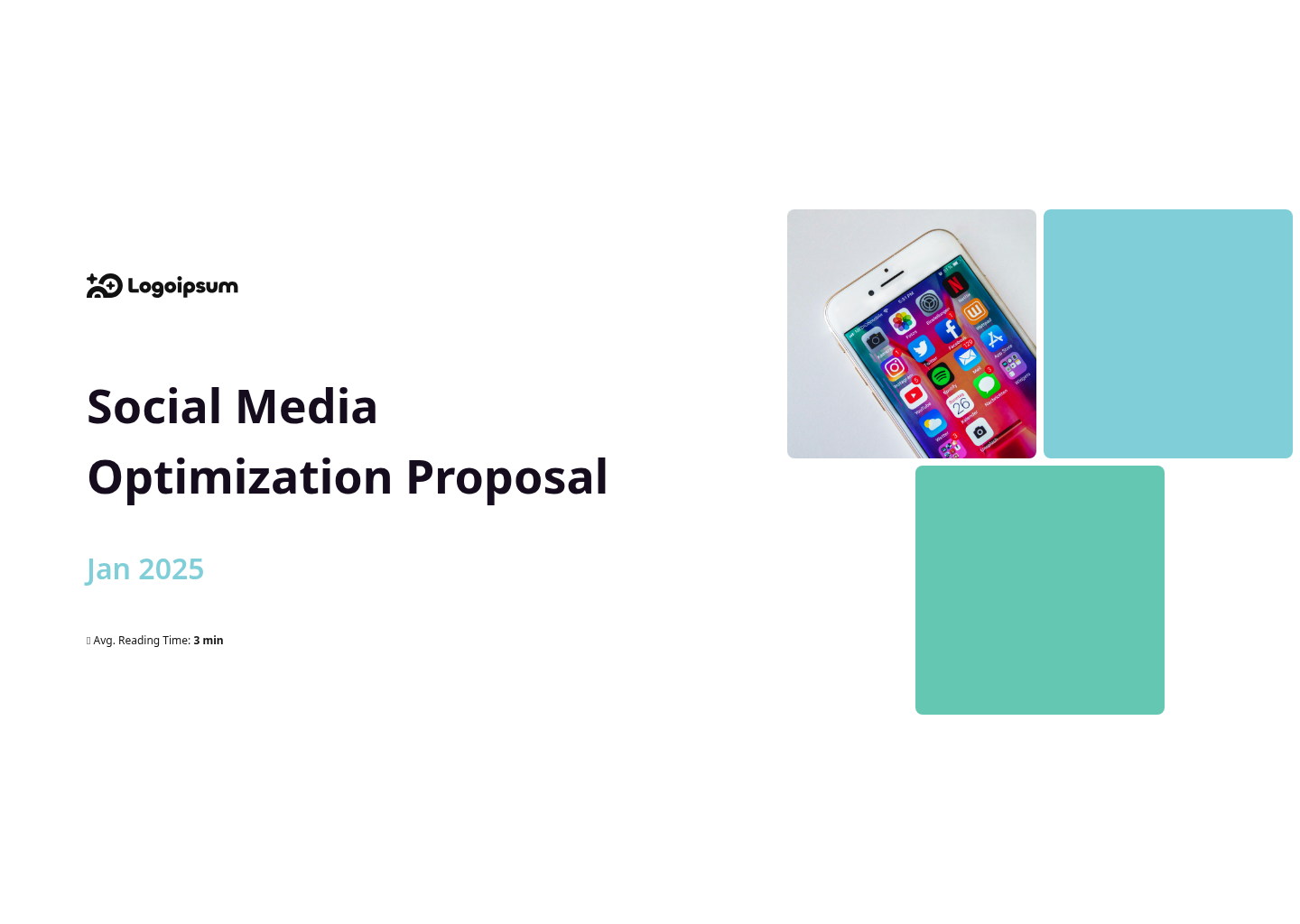
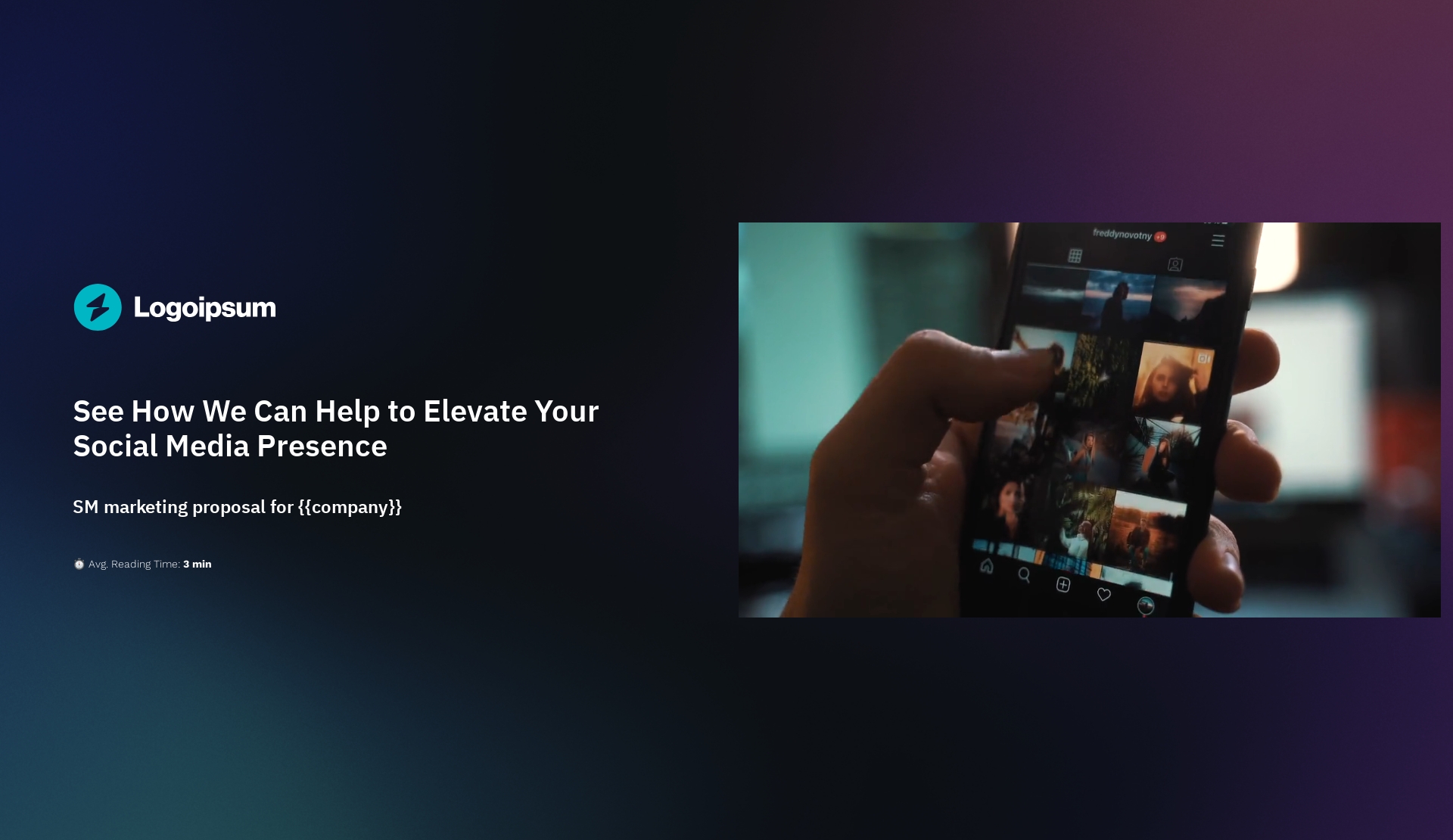
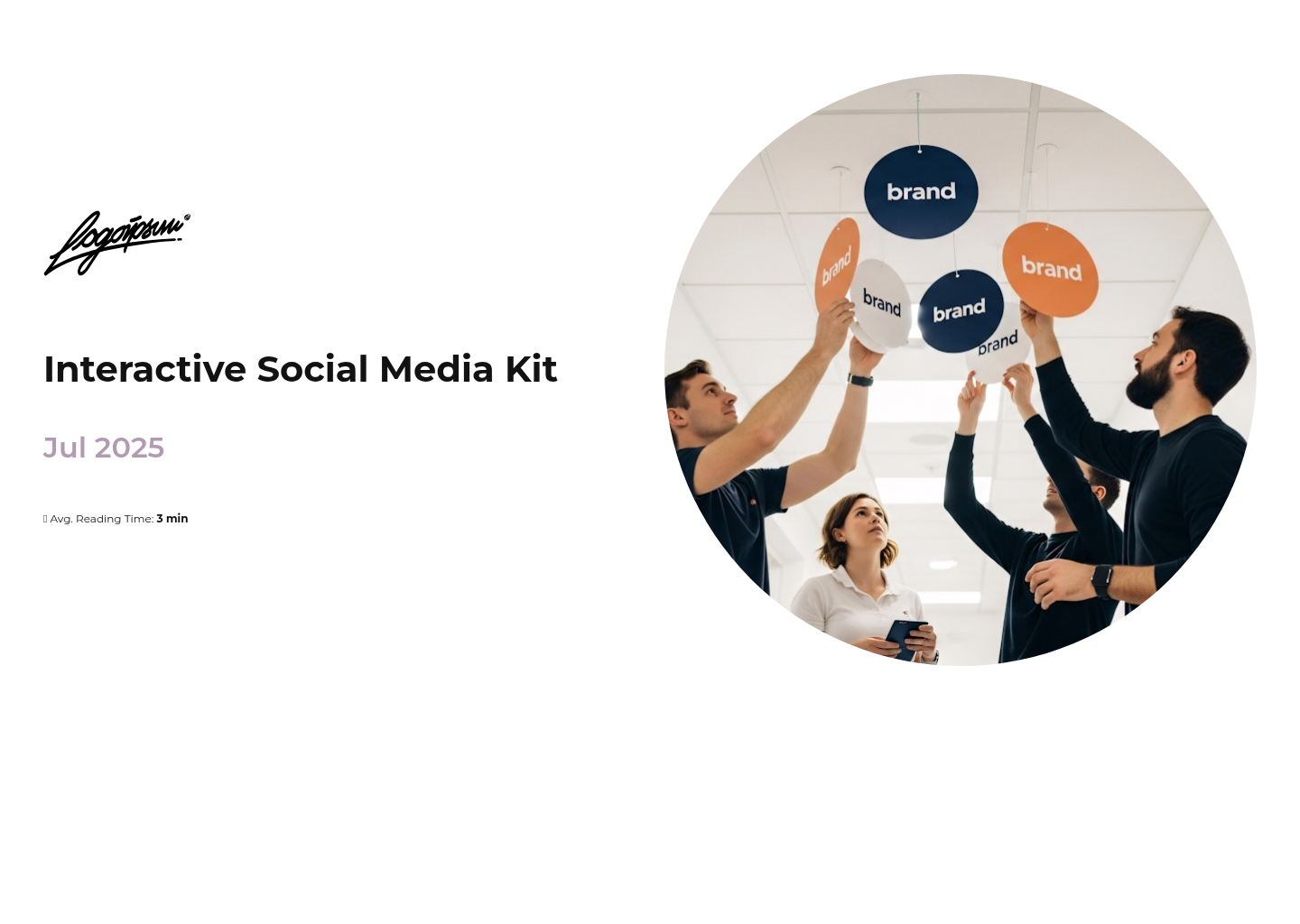
Social media optimization proposal
Tailored to showcase the full spectrum of optimization strategies, this proposal serves as a comprehensive guide, illustrating how to elevate a brand’s social media presence with precision and innovation.

Scroll to preview
What makes this social media proposal great:
- It incorporates data visualization components, making complex information clear and engaging.
- The design strategically guides attention using grayed-out content.
- Case studies are neatly organized in tabs, allowing for easy access and readability.
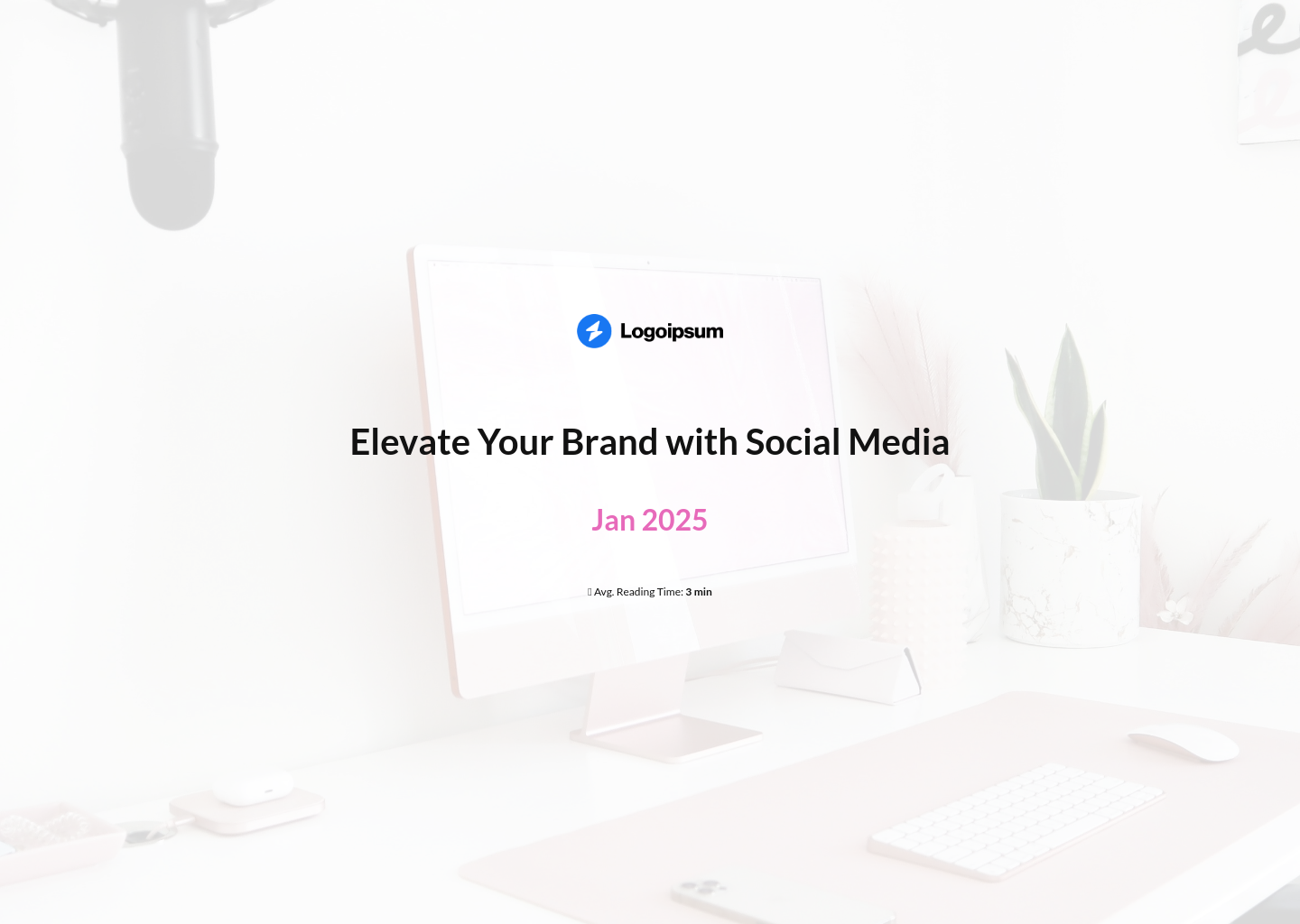
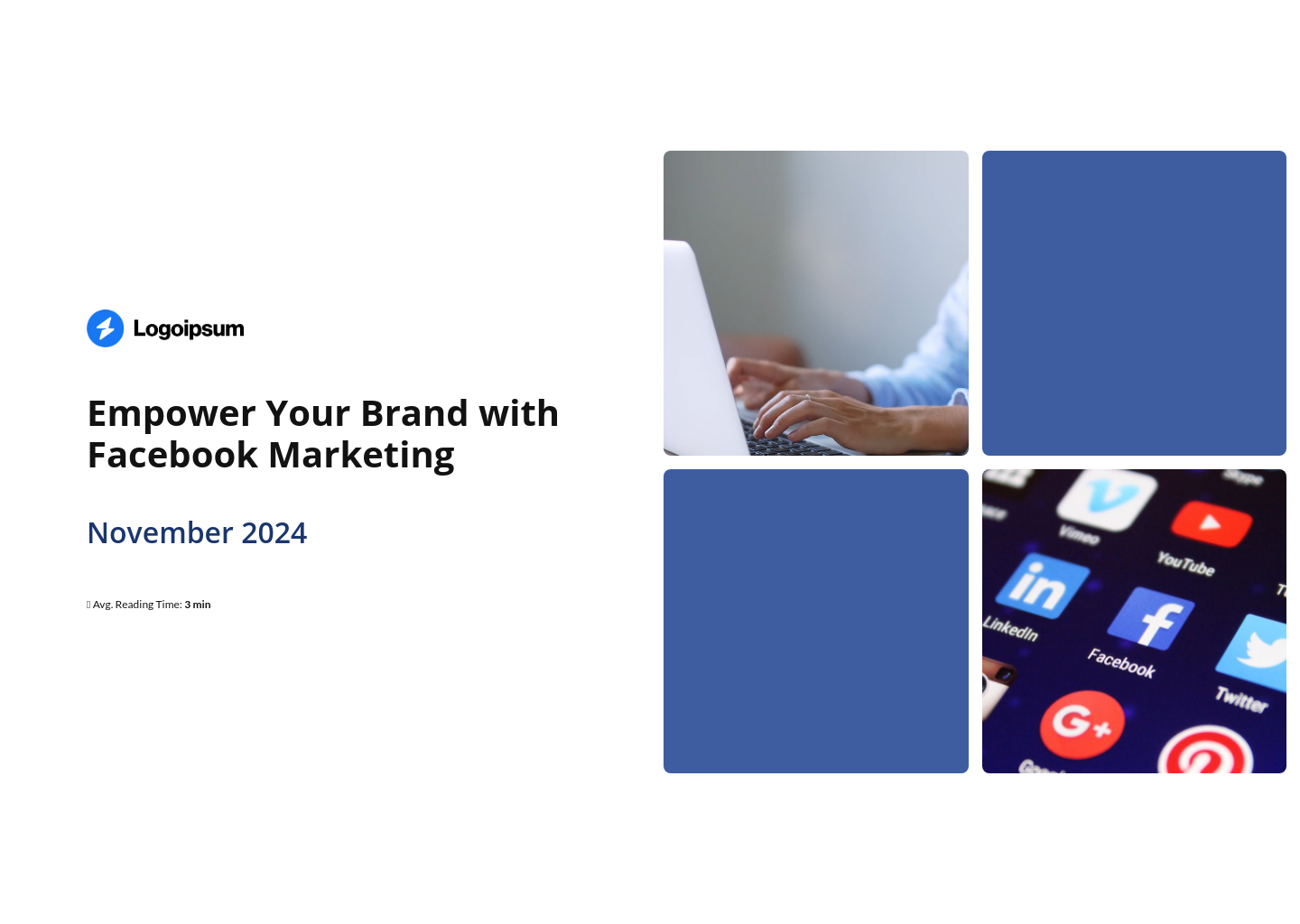
Social media plan proposal
Crafted for the strategic minds in social media marketing, this proposal is a blueprint for success, detailing how to orchestrate effective campaigns that marry data-driven insights with creative execution.

Scroll to preview
What makes this social media proposal great:
- It offers the ability to extract branding from a client’s website, ensuring a personalized touch.
- Expandable text sections are included, offering detailed information without overwhelming the reader.
- An option to include a custom video when sharing the deck is available, adding a personal touch based on initial client interactions.
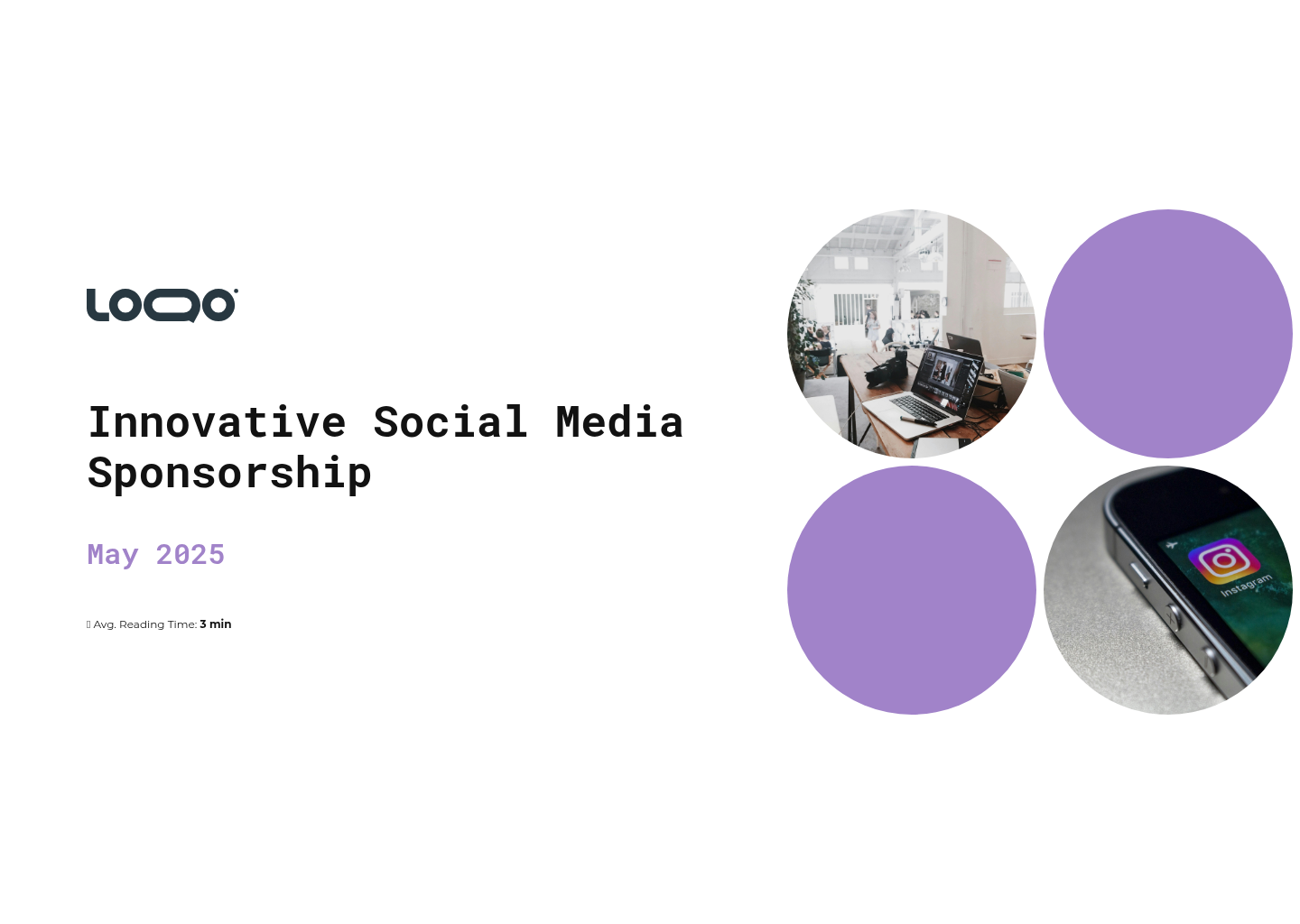
Social media campaign proposal
Designed for the savvy digital marketer, this proposal template is a toolkit for success, showcasing how to weave compelling narratives with measurable outcomes in the ever-evolving social media trends and landscape.

Scroll to preview
What makes this social media proposal great:
- The proposal features a timeline slide, clearly outlining the campaign process.
- A transparent pricing slide is included, offering straightforward cost explanations.
- Embedding case studies or live data is possible, enhancing credibility and real-world relevance.
Social media agency proposal
Ideal for forward-thinking agencies, this proposal is a testament to strategic creativity, demonstrating how to craft targeted campaigns that not only speak to the audience but also drive tangible results.

Scroll to preview
What makes this social media proposal great:
- Its scroll-based design enhances user experience, making information easily accessible.
- Details can be edited post-send, offering flexibility and adaptability.
- All elements automatically adjust to the layout, ensuring a consistent and professional appearance.
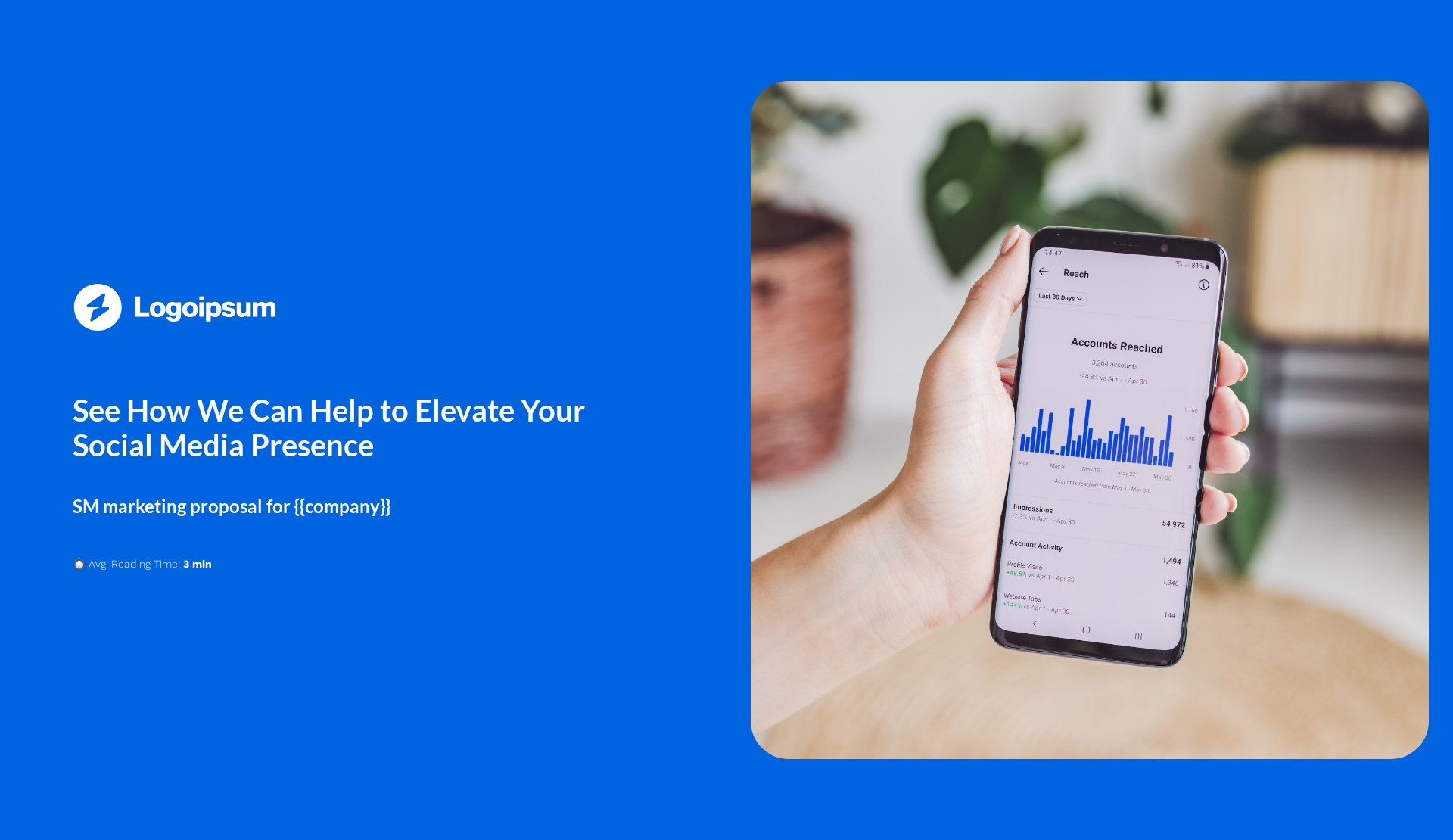
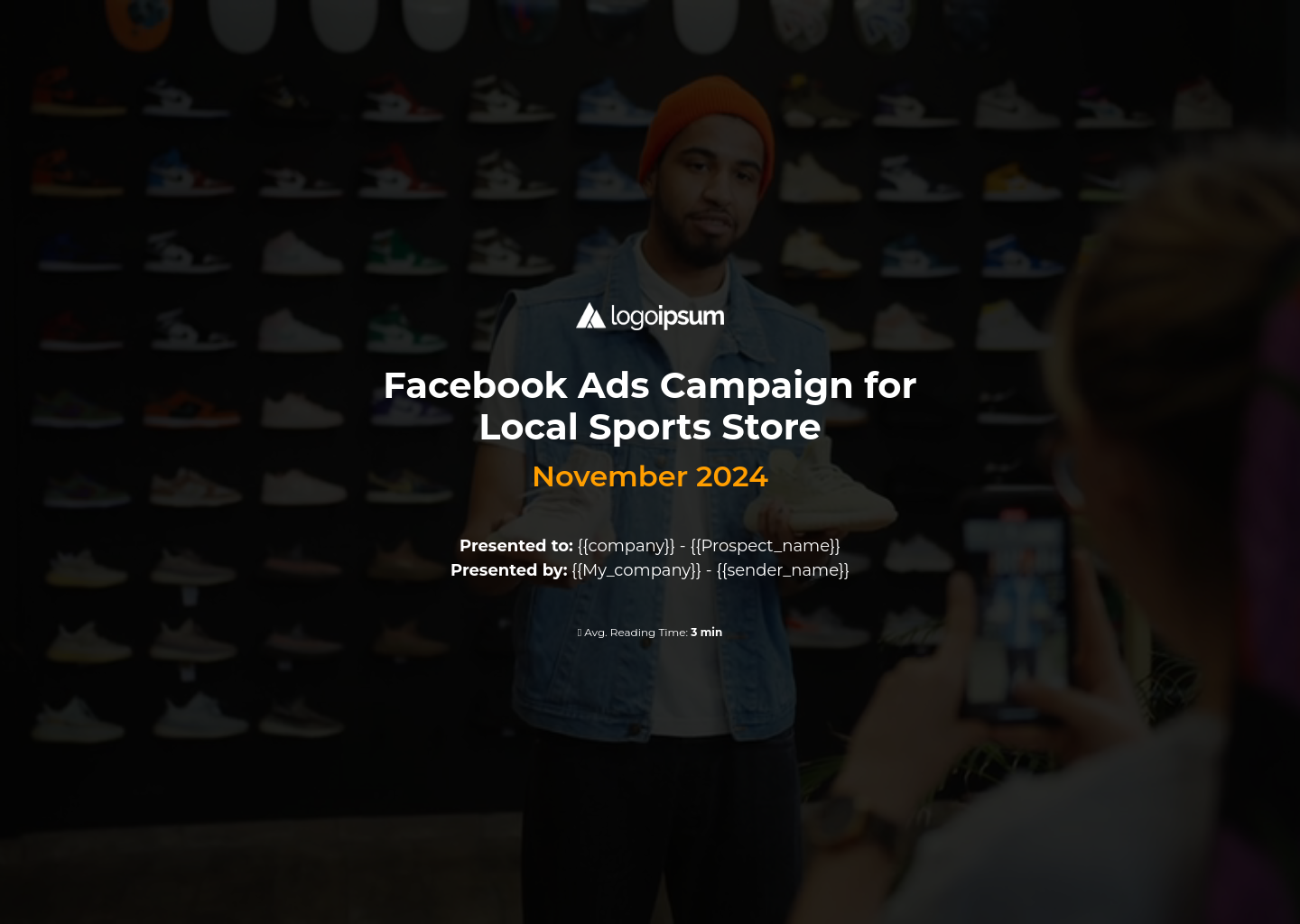
Social media advertising proposal
This proposal is a comprehensive toolkit for agencies aiming to showcase their expertise in social media advertising, blending innovative strategies with measurable metrics to paint a picture of success and growth.
Scroll to preview
What makes this social media proposal great:
- The proposal balances text and image-based slides, ensuring visual appeal and clarity.
- An analytics panel is accessible, providing insights into client interactions.
- AI-assisted content generation is available, enhancing the relevance and impact of the proposal.
How to write a social media proposal that moves the needle
So, you’ve seen some examples of winning social media proposals.
But here comes the tricky part: how do you actually build a winning social media agency proposal from scratch? How do you create a narrative that connects with your client’s needs and showcases your ability to deliver results?
Here’s a step-by-step guide on how to achieve it:
1) Understand the client’s needs
When you’re putting together a social media proposal, the first step is really getting to know what your client wants and who they’re trying to reach.
Take a look at their current social media pages. What’s getting likes, shares, or sparking conversations? This is like detective work – you’re looking for clues about what their audience loves.
Also, see if you can find any industry reports or surveys that give you a sneak peek into the habits and likes of their target market.
By connecting these dots, you can tailor your proposal to fit perfectly with what the client needs and what their audience enjoys.
2) Analyze the competition
Conducting a competitive analysis is a vital step in your proposal process.
To effectively analyze competitors, begin by identifying key players in your client’s industry on social media. Follow their accounts, observe their content strategy, engagement patterns, and audience reactions.
Utilize social media analytics tools to gather data on their most successful posts and campaigns. This approach reveals what’s working well for others in the industry and helps in spotting gaps and opportunities that your client can capitalize on to stand out.
3) Set clear, achievable goals
Crafting a social media strategy is a bit like planning a road trip. You need clear, achievable destinations to make sure you’re heading in the right direction.
That’s where SMART goals come into play in your proposal. They’re like your GPS for success – Specific, Measurable, Achievable, Relevant, and Time-bound.
Imagine your client wants to jazz up their Instagram presence. A SMART goal here isn’t just about saying, “Let’s get more likes.” It’s more specific, like: “Boost Instagram engagement by 200% within 6 months.”
Why are SMART goals so crucial? They cut through the fluff and give you and your client a clear roadmap to follow. It builds a foundation of trust with your client, showing them that you’re not just about big talk – you’re about real, measurable results.
Plus, it keeps everyone on the same page, focused on targets that are not just dreamy but doable.
If you want to learn more, here’s a great resource on how to set social media goals:

4) Establish clear metrics for success
Think of your social media strategy as a garden you’re tending to. You wouldn’t just plant seeds and walk away, right?
You’d want to check in, see what’s blooming, what’s not, and understand why. That’s exactly what setting clear metrics for success in your proposal is all about.
Measuring success is not just about counting likes or followers. Look at engagement rates to see how much your audience is interacting with your content. Use an affiliate tracking software to analyze your affiliate programs.
Follower growth is great, but also keep an eye on conversion rates – are people just looking, or are they buying, signing up, or engaging in other meaningful ways?
And then there’s the big one: Return on Investment (ROI). This tells us if the time, effort, and money put into social media are really paying off.
Showing your commitment to adding value to your client’s business is what sets a great social media strategy apart from a good one.
5) Conduct a thorough social media audit
A comprehensive audit of your client’s current social media presence is essential. This audit should assess their performance across various platforms, identify what’s working and what’s not, and uncover opportunities for improvement.
This step is vital for crafting a strategy that addresses both the strengths and weaknesses of their existing approach.
Check out this video explaining how to do a social media audit:

6) Develop a social media strategy
Your proposal should include a detailed social media strategy that outlines specific actions, platforms to be used, types of content, and engagement tactics.
This strategy should be tailored to meet the client’s goals and should be both realistic and achievable.
Here’s a great video on how to develop a social media strategy:

7) Outline the scope of work and deliverables
Detail everything you’ll do for the client, including posting schedules, content creation, community engagement, and analytics reporting. Clearly define responsibilities, the feedback process, and what the client can expect to receive.
8) Discuss project timeline
Include a detailed timeline in your proposal. This section should align with the client’s expectations and provide a clear understanding of the investment required to achieve the desired results.
Here’s an example of an effective timeline slide:
9) Provide proof of your expertise
Include case studies, testimonials, or data-driven results from previous campaigns to demonstrate your expertise and past successes.
This section helps build credibility and shows potential clients why you are the best choice for their social media needs.
Here’s a fantastic example of a success stories slide:
10) Detail the payment and terms
Be transparent about your pricing structure, payment terms, and any other contractual details. This clarity helps avoid misunderstandings and ensures both parties are on the same page regarding the financial aspects of the project.
Here’s an example of a clear pricing slide:

11) Make the next step clear
Conclude your proposal with clear next steps for the client. This could include how to accept the proposal, the process for starting the project, and any immediate actions required.
This section should make it easy for the client to move forward with your services.
Here’s an example of a next step slide:
Adding a calendar to your proposal is a great first step in simplifying the process. Taking it a step further, an ‘Accept’ button can really seal the deal.
It’s a neat, no-fuss way for clients to give their green light, cutting down on back-and-forth. This approach speeds up the decision-making and increases your chances of closing deals quicker.
Here’s an example of a proposal with an accept button:
How to design a social media proposal
Designing a social media proposal is an art that combines visual appeal with strategic communication. It’s about presenting your ideas in a way that is not only visually engaging but also easy to understand and compelling to your client.
Here’s how to do it in a few simple steps.
1) Utilize scroll-based design
Incorporate a scroll-based design, especially for digital proposals. This design approach mimics the scrolling experience of social media platforms, making it intuitive for the reader.
It allows for a narrative-style presentation, where each scroll reveals new information in a seamless flow, keeping the reader engaged.
Here’s an example of scroll-based design:
2) Use a clean and professional layout
A well-organized layout is key. Use clean lines, ample white space, and a logical flow of information. This makes your proposal easy to read and professional in appearance. Avoid cluttering pages with too much text or too many images.
3) Incorporate high-quality visuals
Use high-quality images, infographics, and charts to break up text and illustrate your points. Visuals can make complex information more digestible and keep the reader engaged. Ensure that these visuals are relevant and add value to your proposal.
4) Select readable fonts
Choose fonts that are easy to read and professional. Stick to a maximum of 2 or 3 fonts: one for headings, one for subheadings, and one for body text. Consistency in font usage throughout the document maintains a clean and professional look.
5) Use graphs and charts to present data
Graphs and charts are excellent for presenting data in a visually appealing way. Data visualization elements can help to quickly convey key metrics and trends. But, for them to be effective, you need to make sure they are clearly labeled and easy to understand.
Here’s an example of highly effective data visualization:

6) Keep branding consistent
Ensure that your proposal reflects your brand’s identity. This includes using your logo, brand colors, and maintaining a tone that aligns with your brand’s voice. Consistent branding helps in building trust and recognition.
Using an interactive proposal creator, you can automatically extract branding from your website without worrying about adjusting every element manually.
Here’s how it works:
7) Ensure responsive design for accessibility
Your proposal should be accessible and easily readable on any device. Responsive design ensures that whether your client is viewing the proposal on a desktop, tablet, or smartphone, the layout adjusts to the screen size.
This flexibility enhances the user experience and shows your attentiveness to modern browsing habits.
Here’s an example of a mobile-responsive deck:
8) Personalize the proposal for the client
Personalization goes a long way. Tailor the design elements to align with the client’s brand, such as using their color scheme or incorporating their logo. You can also use dynamic variables to personalize the deck the same way you would an email newsletter.
This level of customization demonstrates your commitment to understanding and valuing their brand identity, making the proposal more relatable and impactful.
Here’s how you can easily personalize your deck:


Social media proposal examples that get clients to say ‘Yes’
The right proposal can be the difference between a potential client’s indecision and an enthusiastic ‘Yes’.
Here are 6 standout social media proposal examples, each uniquely designed to capture attention, convey expertise, and demonstrate value.
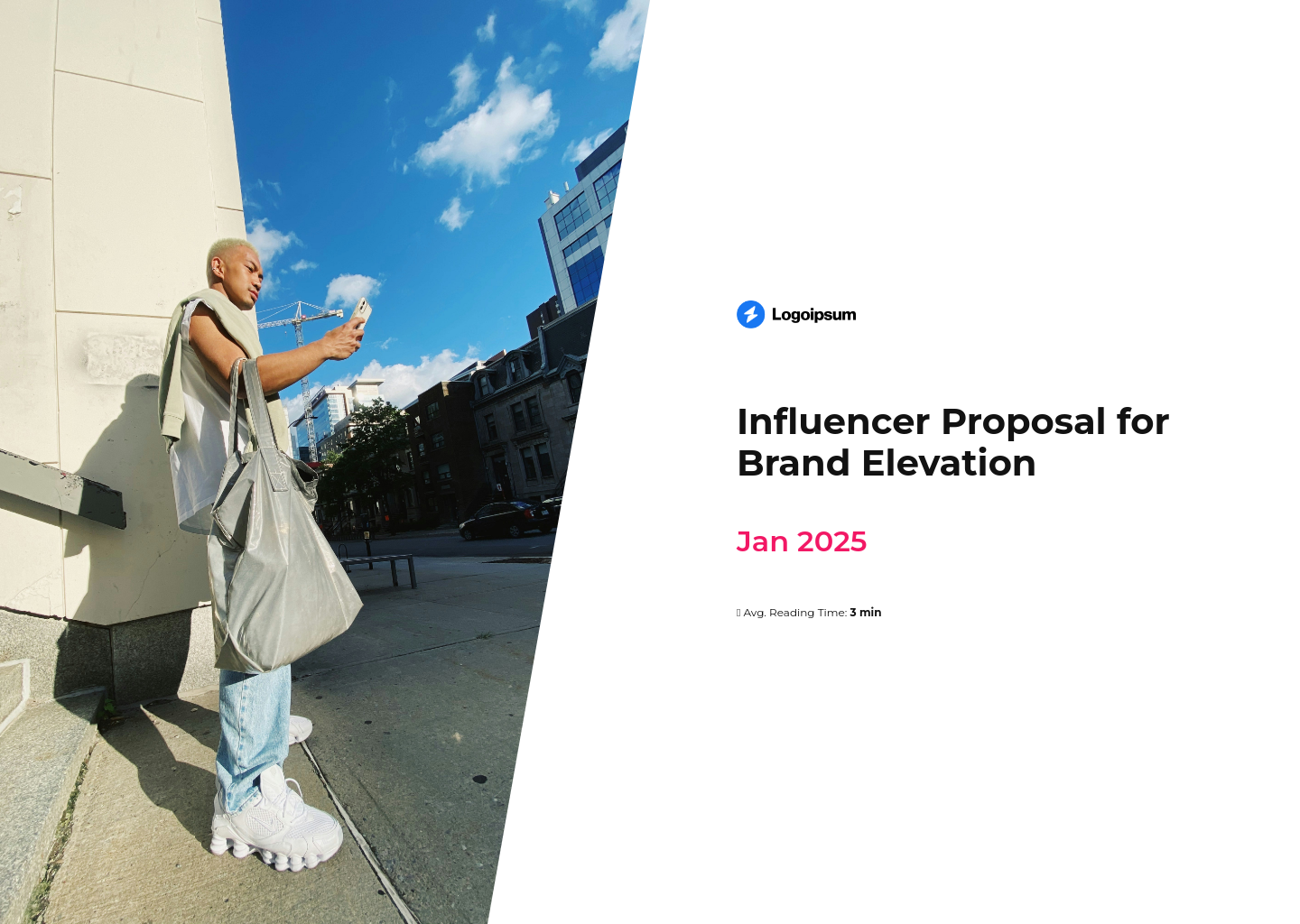
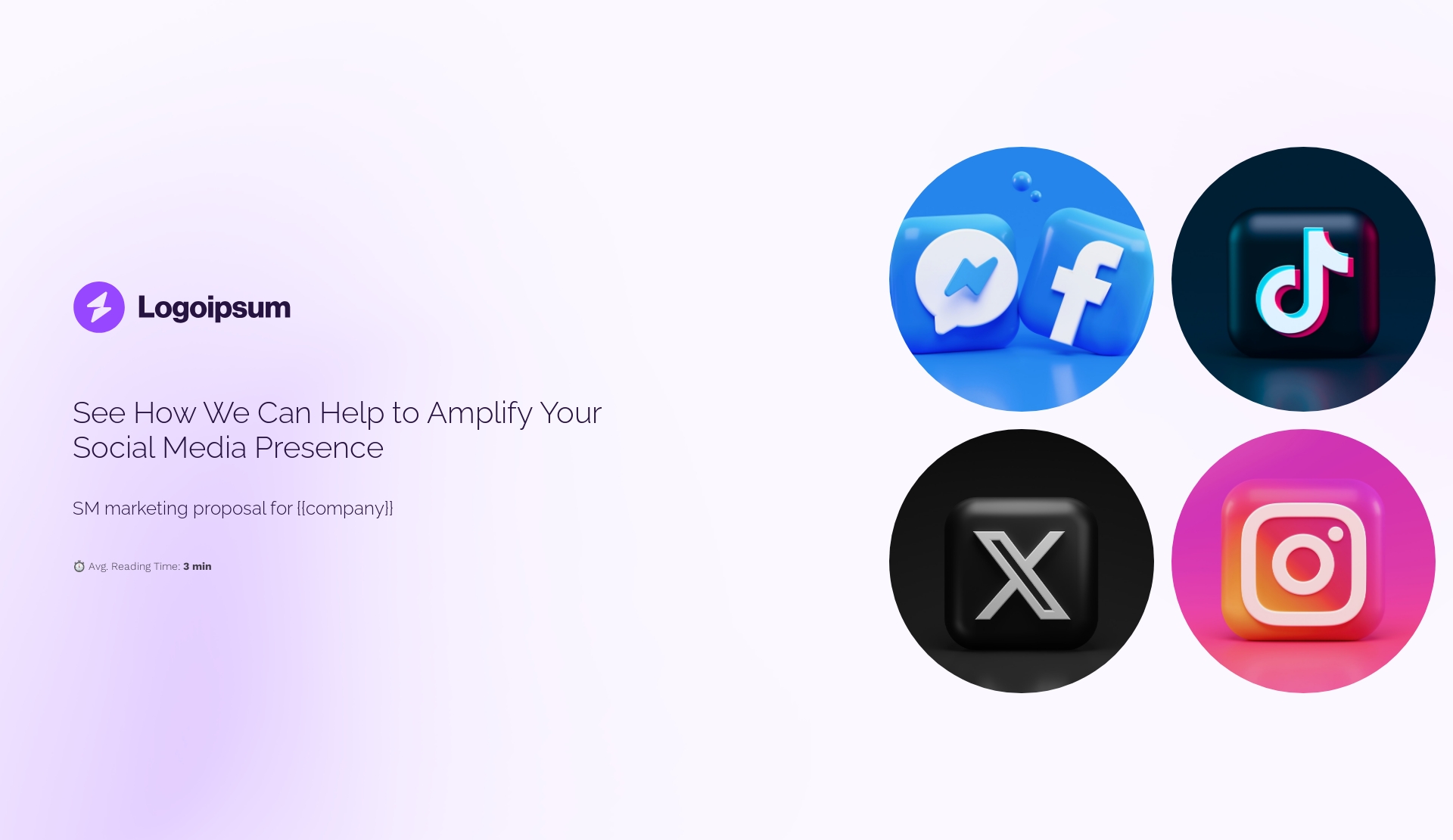
Social media proposal deck
This proposal deck is a masterclass in blending strategic foresight with visually compelling elements, setting the stage for a marketing campaign that resonates with both logic and creativity.