



What Is a Media Kit? Why You Need It & How to Make it
Learn what is a media kit for influencers, artists, and brands, what to include in a media kit, and how to make a media kit with templates.
Set as Preferred Source
A media kit and a press kit serve similar purposes, but they’re tailored to different audiences.
A media kit is designed for a broader audience, including influencers and bloggers, and often features diverse content formats.
On the other hand, a press kit has a sharper focus, traditionally aimed at journalists and media outlets, providing press releases and high-resolution visuals for news coverage.
A press release zeroes in on a specific announcement, offering news about your brand. On the other hand, a media kit is a broader resource, compiling your brand’s story, milestones, and media assets to support thorough and engaging media coverage.
A company media kit gathers key business details and media assets to help journalists and media outlets create detailed, well-informed stories about the company.
An influencer media kit, on the other hand, is a personal portfolio that displays an influencer’s audience, engagement, and partnership history. It’s designed to attract sponsorships and pitch brands by highlighting the influencer’s marketing potential.
*Media kits for influencers have a different structure than brand media kits. If you want to learn more, check out our blog post on how to create an influencer media kit to land deals.
What does a media kit look like?
Your media kit should be an inviting, interactive journey, seamlessly blending engaging texts, high-quality images, and multimedia like videos and clickable links.
The design should guide viewers smoothly from one section to the next, turning your media kit into a compelling story about your brand.
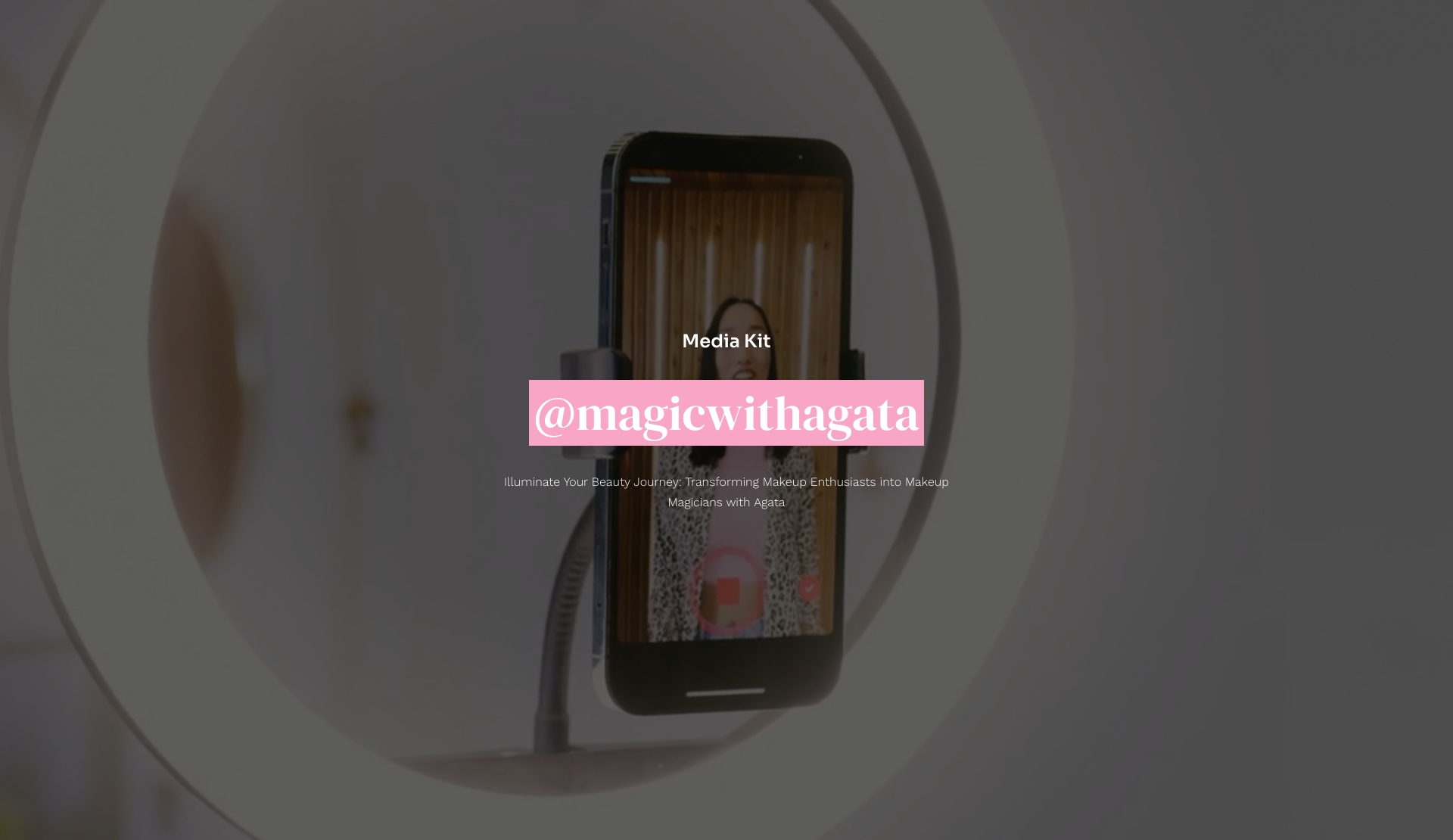
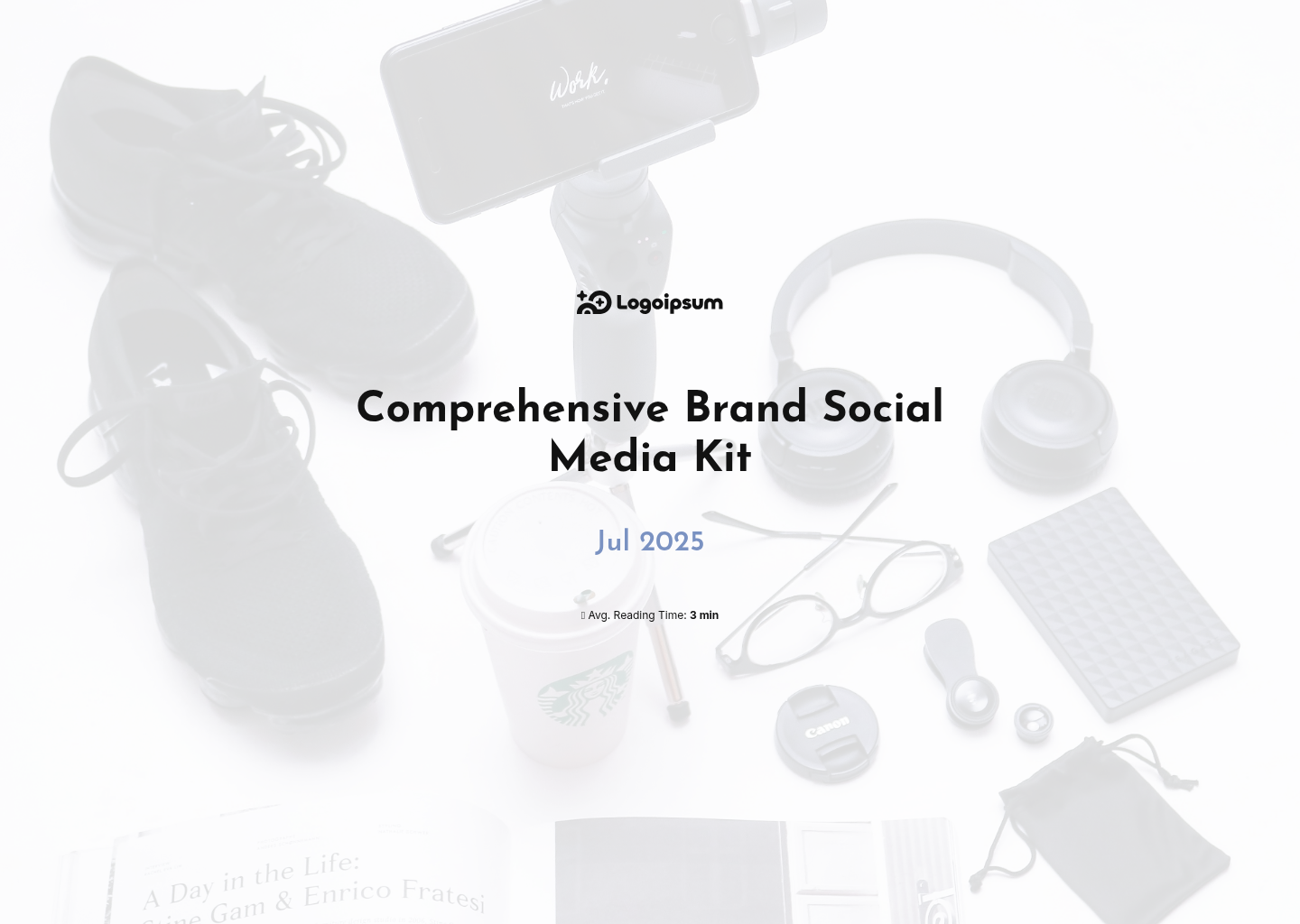
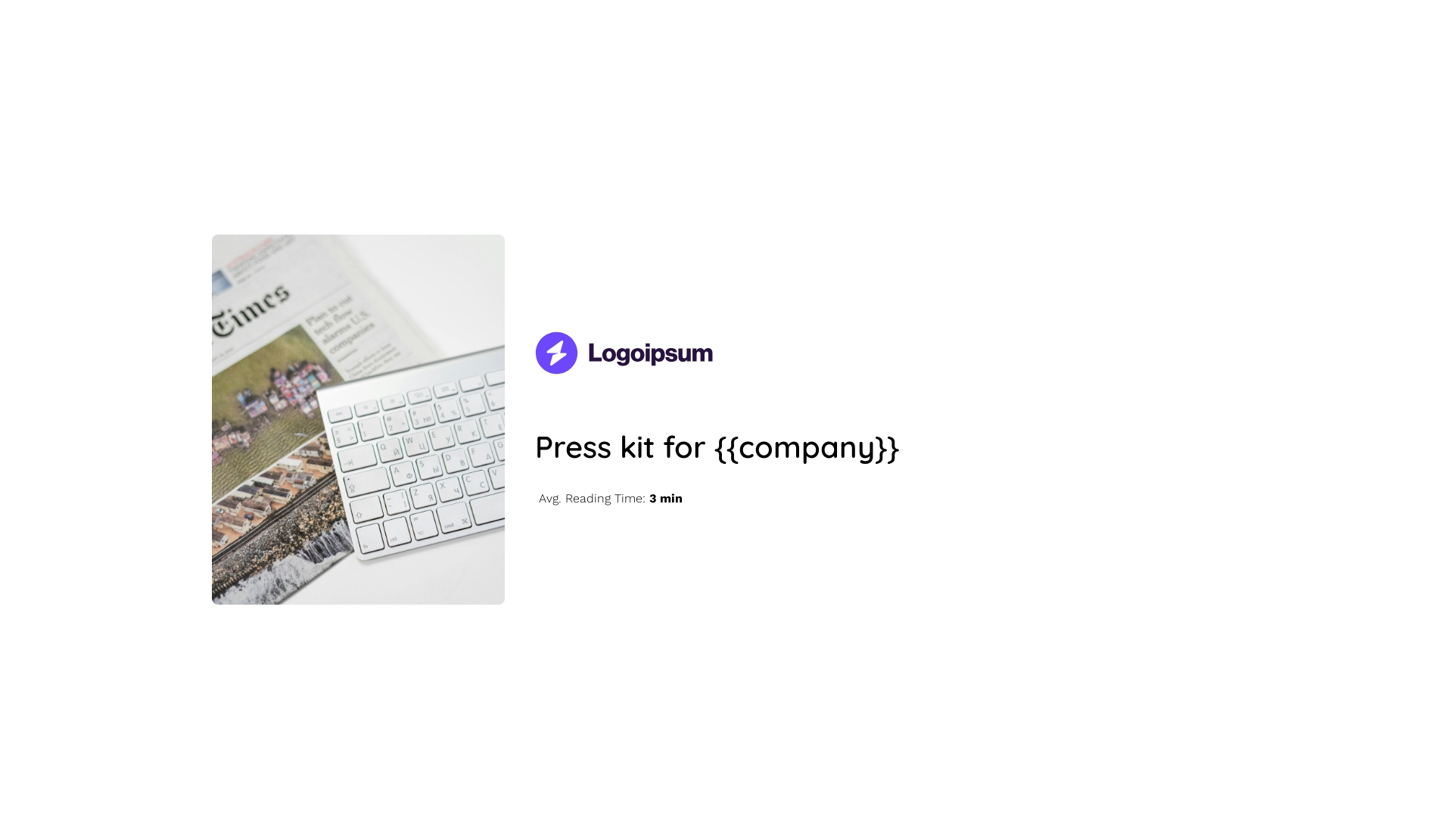
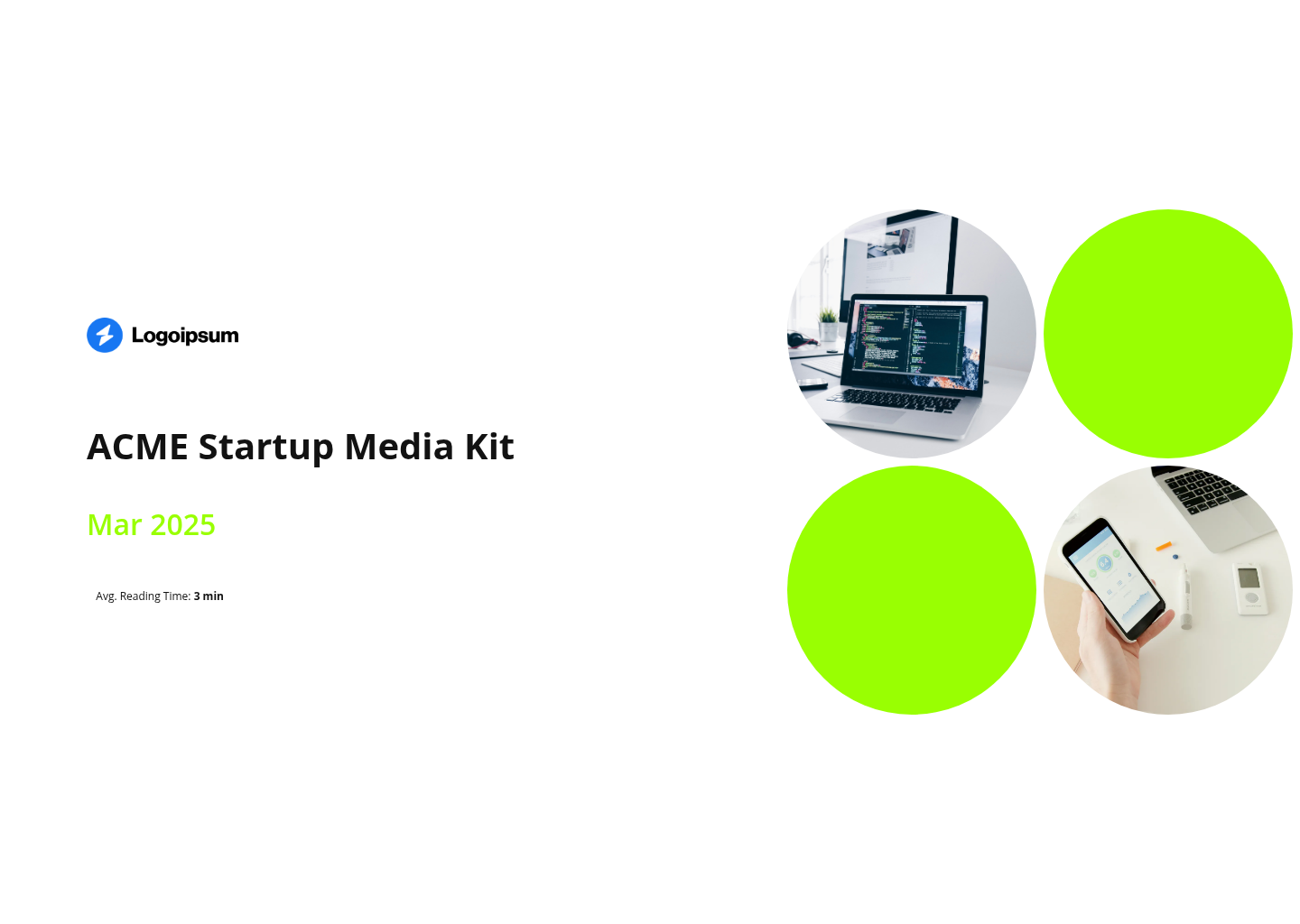
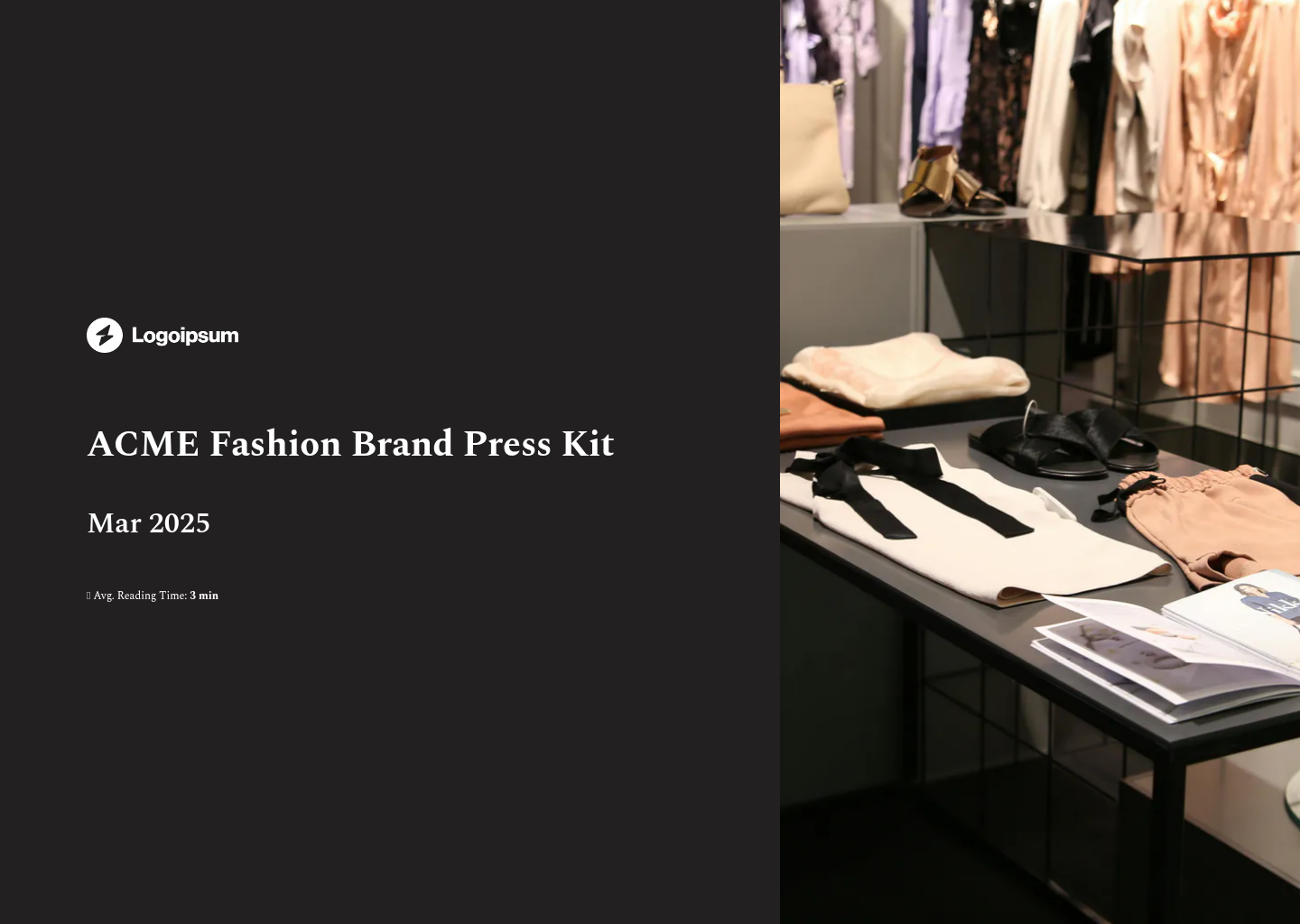
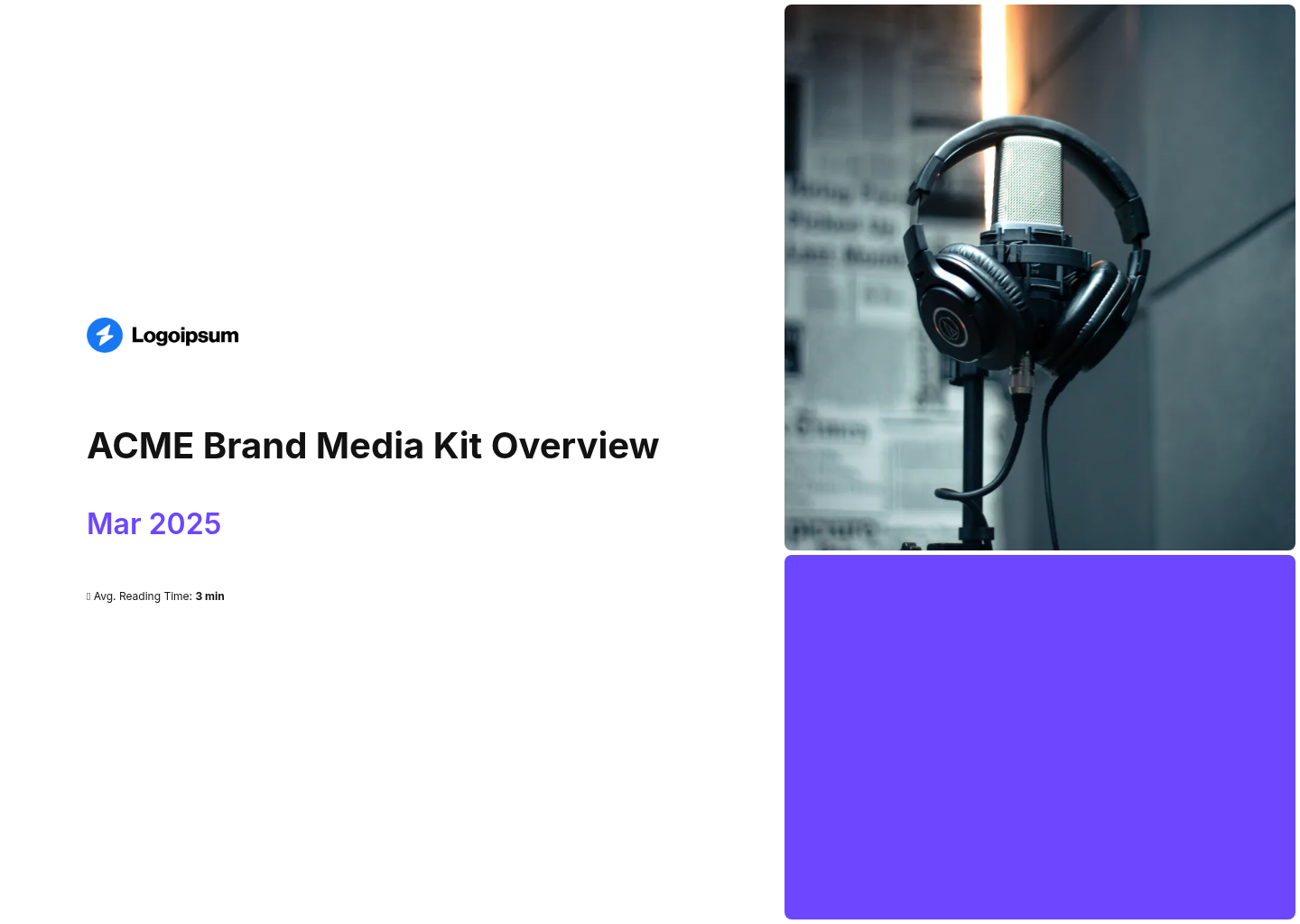
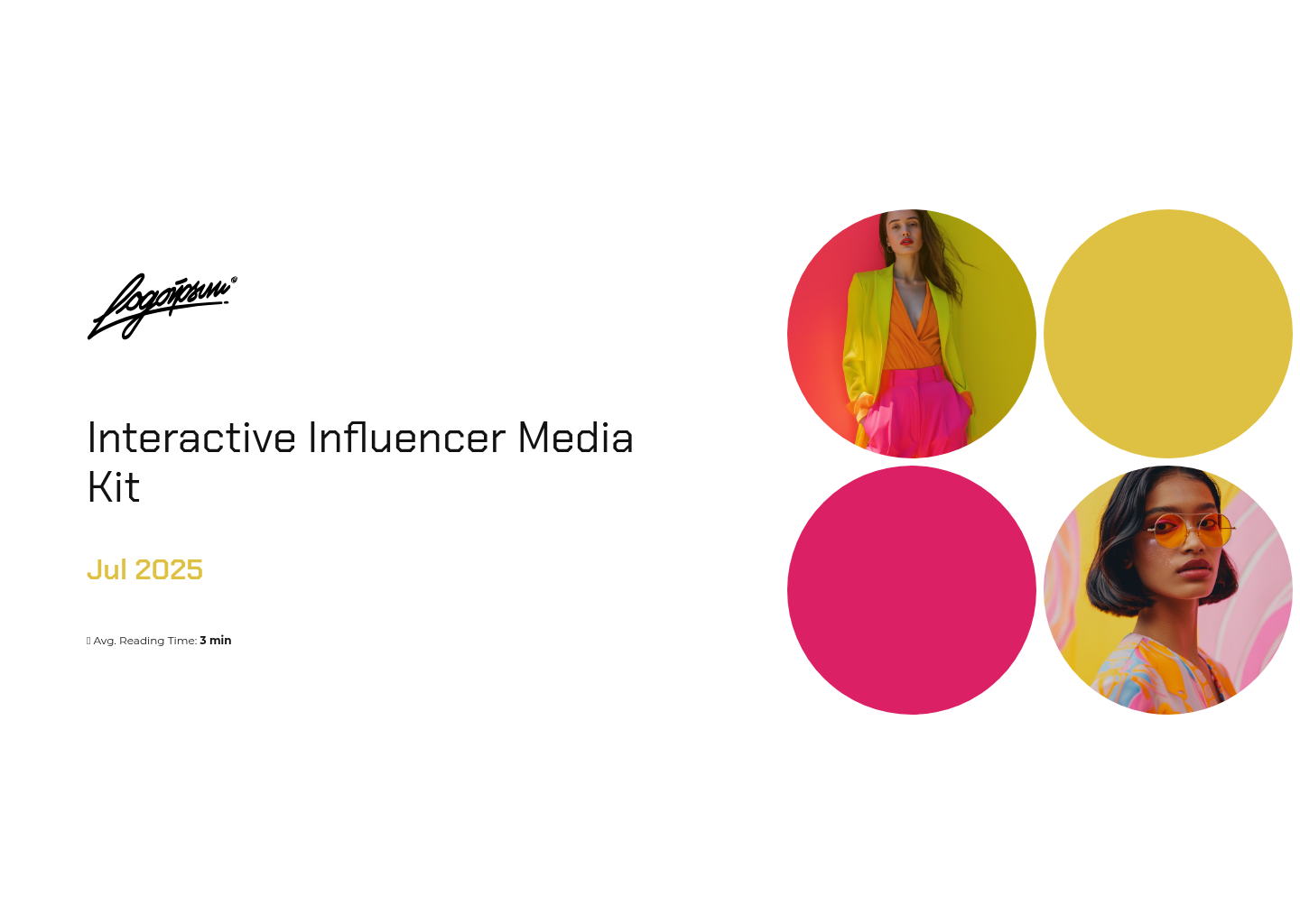
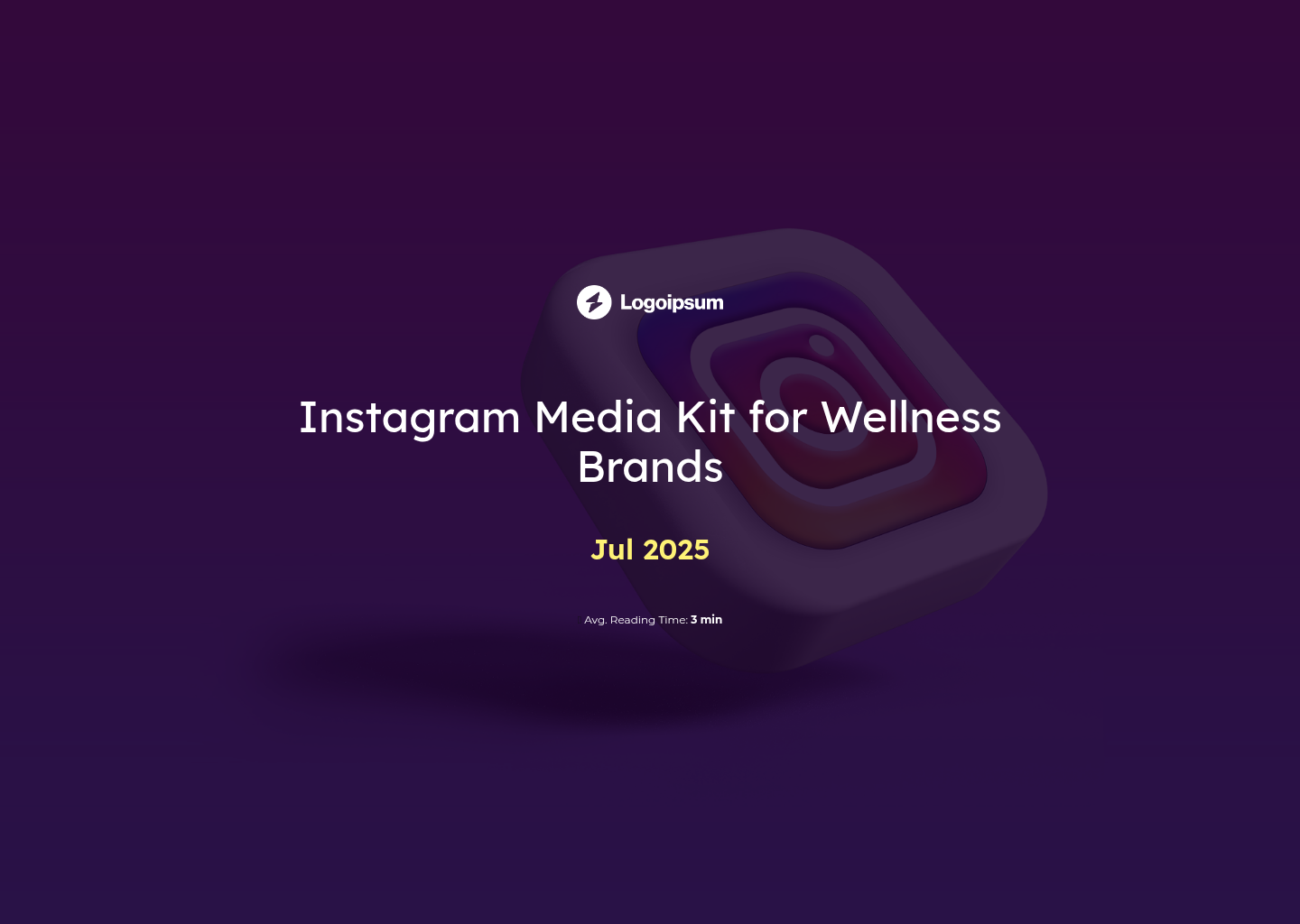
Here’s an example of an effective media kit:

Scroll to preview
How to write a company media kit?
So, you’ve got a great brand story to tell, but figuring out how to fit everything into one neat package is tricky.
It’s easy to worry about giving too much information or, on the flip side, not enough to truly showcase what makes your brand special.
This is a common challenge, and you’re not alone in facing it.
Here’s how you can create your media kit slide by slide.
What to include in a company media kit?
- Brand overview
- Contact information
- Product or service descriptions
- High-quality images and logos
- Press releases
- Media coverage
- Testimonials and reviews
- Biographies of key team members
- Achievements and awards
- FAQs
- Social media links
1) Brand overview
This section gets right to the core of your brand, outlining your mission, vision, and core values.
It also shines a light on what makes your brand unique in the market, including any innovative approaches or niche markets you’re focusing on.
It’s the perfect starting point for the media to get to know what your brand is all about.
Example of a brand overview slide:
2) Contact information
No one likes playing hide and seek with PR contacts. Put your contact info front and center. Leave a clear trail that leads straight to your door – visible and impossible to miss, like a virtual telephone number to ensure improved accessibility and convenience.
An example of a contact information slide:

3) Product or service descriptions
In this section, highlight what you offer. Point out the unique features and benefits of your key products or services that distinguish them from competitors.
Example of a product slide:
4) High-quality images and logos
This part should feature a selection of high-resolution images and logos available for media use without any extra permissions.
Include various formats and orientations to fit different media needs, along with guidelines on how to use these visuals to keep your brand looking sharp.
Example of an images slide:

5) Press releases
Keep a collection of recent press releases that detail significant company news or achievements. This section should help the media stay updated on your latest developments.
An example of a press releases slide:
6) Media coverage
Highlight select examples of media coverage that present your brand’s influence and recognition in the industry.
This could include articles, interviews, and notable mentions that demonstrate your brand’s relevance and reputation.
Here’s an example of a media coverage slide:
7) Testimonials and reviews
Share testimonials and reviews that showcase the positive effects your brand has on customers or stakeholders.
This section highlights real-world satisfaction and serves as proof of the value of your products or services.
Example of a testimonials slide:
8) Biographies of key team members
Introduce key team members with detailed bios. Focus on their expertise, backgrounds, and roles within the company to emphasize the people behind your brand’s success.
An example of a team slide:
9) Achievements and awards
List your major achievements and any industry awards you’ve received. Regular updates here underline your brand’s credibility and position as a leader in your field.
Example of an achievements slide:

10) FAQs
This section addresses common questions the media might have about your brand, products, or services. It’s designed to be clear and helpful, efficiently clearing up any queries.
Example of an FAQs slide:
11) Social media links
Provide direct links to your active social media profiles to demonstrate your engagement and online presence.
This helps the media and public follow the broader conversation about your brand and enhances its accessibility.
Example of a social media slide:

Where to get the best media kit templates?
Starting from scratch to condense your entire brand’s story into a single presentation can feel challenging. You want to share everything that makes your brand special without overwhelming your audience.
Interactive media kit templates offer a structured starting point, making sure you cover all the essential bases in an engaging and digestible format.
They’re designed to guide you through the process, making it easier to organize your content and highlight your brand’s achievements, values, and unique selling points.
Grab a template!
How to use a media kit?
- Brand introduction: It introduces your brand’s mission, vision, and unique value proposition, providing a snapshot of what sets you apart.
- Achievements showcase: It highlights key milestones, awards, and successes, underscoring your brand’s credibility and track record.
- Offerings detailing: It offers a clear overview of products or services, giving potential partners and media a deep dive into your offerings.
- Media engagement: It equips journalists and bloggers with all the necessary information, visuals, and contacts, making it easier to cover your story.
- Partnership attraction: It attracts potential partners and sponsors by showcasing your brand’s reach, audience demographics, and engagement metrics.
- Consistency in messaging: It ensures consistent brand messaging across various media outlets, reinforcing your brand identity.
- Resource accessibility: It acts as a one-stop resource for high-quality images, logos, and other media assets, streamlining content creation for external parties.
What are the best tools to create a media kit?
When it comes to creating a media kit, it’s important to choose the right tool based on your specific needs, whether you need a dedicated media kit maker, a versatile graphic design tool, or even a website builder.
Each type offers different features that can help bring your brand’s story to life in unique ways.
Here’s an overview of the top options:
- Storydoc: It takes media kits to the next level with its scroll-based format. It stands out by allowing you to include embedded videos and clickable links, turning your media kit into an interactive experience.
- Canva: With its intuitive drag-and-drop interface, Canva makes design accessible to everyone, offering a variety of templates for quick, stylish media kits.
- Adobe InDesign: A great choice for those with a bit more design experience, Adobe InDesign provides flexibility and creative control, allowing for highly customized media kits.
- Notion: Offers a unique approach by combining document creation with database functionality, making it ideal for organizing and presenting information in a clear, effective manner.
- VistaCreate: Perfect for creating visually engaging media kits with its wide range of graphic elements and easy-to-use design features.
What is the best format for a media kit?
Traditionally, media kits were shared as static PDFs or PowerPoint presentations. While these formats are familiar and easy to distribute, they have limitations.
Shifting to interactive, web-based media kits can make a significant difference. They provide a more engaging experience and let you track how your media kit is being used, giving you valuable insights into its effectiveness.
An overview of the most popular formats:
Format | Pros | Cons |
|---|---|---|
– Great for text-heavy content | – No interactive features, making it less engaging | |
PowerPoint (PPT) | – Good for combining text and images | – Limited interactivity |
– Excellent for visual storytelling | – Might be a bit complex to learn |

